Blog
Product demos and tutorials for SaaS teams: how to script, record and narrate them, and which tools to use.
Training & Documentation ·
AI Training Video Generator: 7 Tools Compared (2026)
AI training video generators compared by training type: screen-based tools like Vibrantsnap and Clueso vs avatar platforms like Synthesia, with real costs.
Training & Documentation ·
8 Best Camtasia Alternatives for Training Videos (2026)
Camtasia alternatives compared on price, editing time, and output: Vibrantsnap, ScreenPal, Descript, OBS, Guidde and more, with honest trade-offs.
Training & Documentation ·
Customer Education Videos: Build a Program That Scales
Customer education videos cut tickets and drive adoption. Here's how to build a program, when you need a platform, and what it really costs.
Training & Documentation ·
How to Make a Training Video: Process, Costs, Examples
How to make a training video that people finish: a 7-step process from scoping to publishing, what it really costs, and where AI saves the hours.
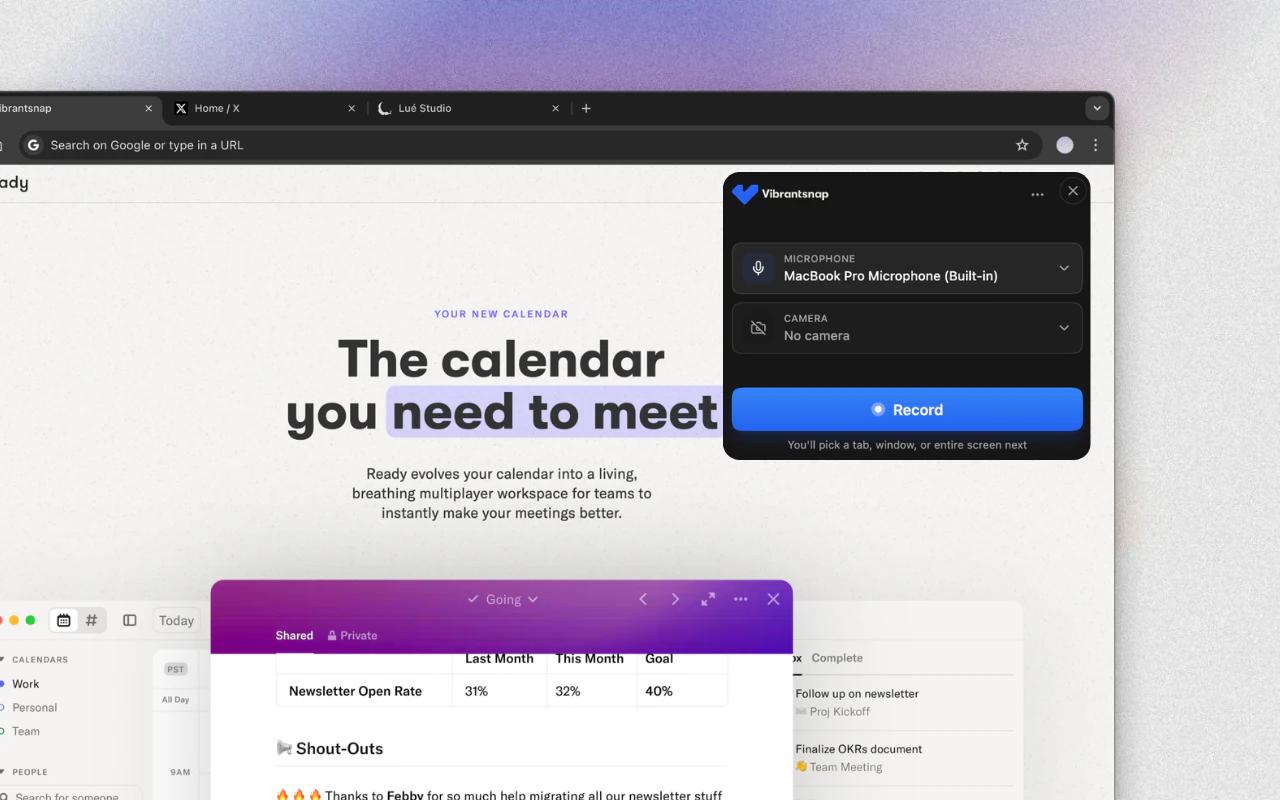
Tools Comparison ·
Process Documentation Software: 9 Tools Compared (2026)
Process documentation software compared on price, capture and SOP output: Scribe, Tango, Guidde, Trainual, Whale, Notion and more, with a video-first take.
Tools Comparison ·
Training Video Software: 9 Tools Compared (2026)
Training video software compared on cost per author, output and speed: Camtasia, iSpring, Synthesia, Loom, Vyond and more, plus what fits which training.
Product Demos ·
AI Demo Video Generator: 7 Tools Tested (2026)
Some AI demo video generators build a demo from a URL or a prompt, others edit your recording. 7 tools compared, prices checked Sept. 2026.
Product Demos ·
Best Product Demo Software in 2026: 10 Tools by Format
Product demo software compared by format: narrated video demos, interactive click-through demos and in-app tours. 10 tools, prices checked Sept. 2026.

Product Demos ·
How to Make a Product Demo Video: Step-by-Step (2026)
Make a product demo video step by step: pick the demo type, plan the clicks, record one take, fix the narration, add captions, place it, measure it.

Product Demos ·
Product Launch Video: How to Announce a SaaS Feature
How to make a product launch video for a B2B SaaS feature release: what to show, recording on release day, customer and prospect versions, measuring it.

Product Demos ·
Product Demo Video Examples: 8 B2B Demos to Copy (2026)
8 product demo video examples from B2B software, grouped by job: website overview, feature launch, onboarding and sales follow-up, with what to copy.

Customer Support ·
Customer Support Videos: Build a Help Center Library
How SaaS support teams pick which questions get a video, publish it in the help center and macros, keep it current and measure the effect on tickets.