An edit pass instead of an evening
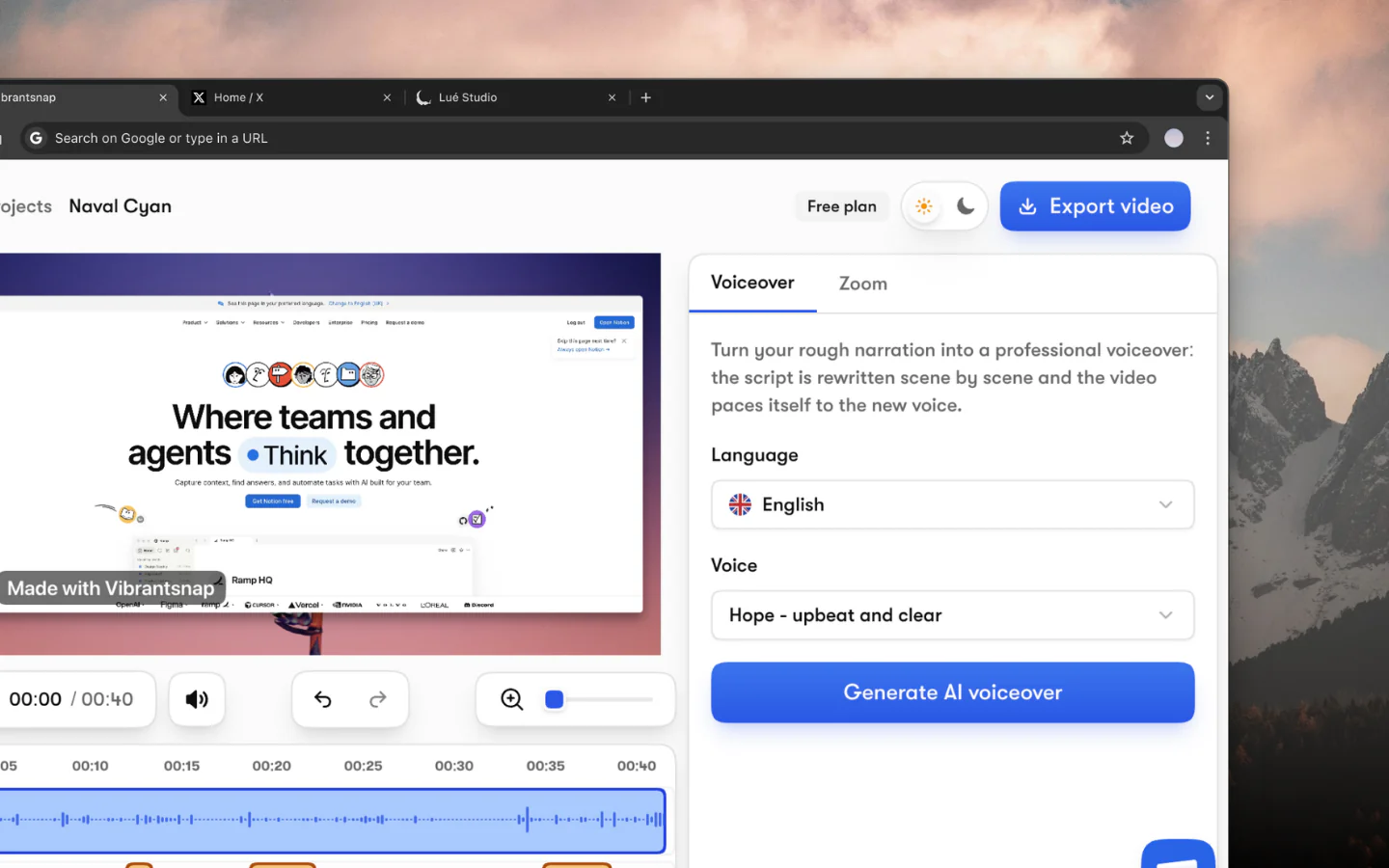
A Camtasia project means cutting, zooming and captioning by hand. Vibrantsnap does that pass for you: processing takes about two minutes, and you adjust what you want afterwards.
Tutorials without the editing timeline
Camtasia is the veteran desktop editor, sold as an annual subscription, with a timeline that gives you full manual control; AI voices and text-based editing start on its Create plan. Vibrantsnap works the other way round: you record, and the AI does the editing pass. It rewrites your narration into a clean script, reads it in a studio voice, retimes the video and adds zooms and captions. You review and adjust.
Comparison
Why Switch
A Camtasia project means cutting, zooming and captioning by hand. Vibrantsnap does that pass for you: processing takes about two minutes, and you adjust what you want afterwards.
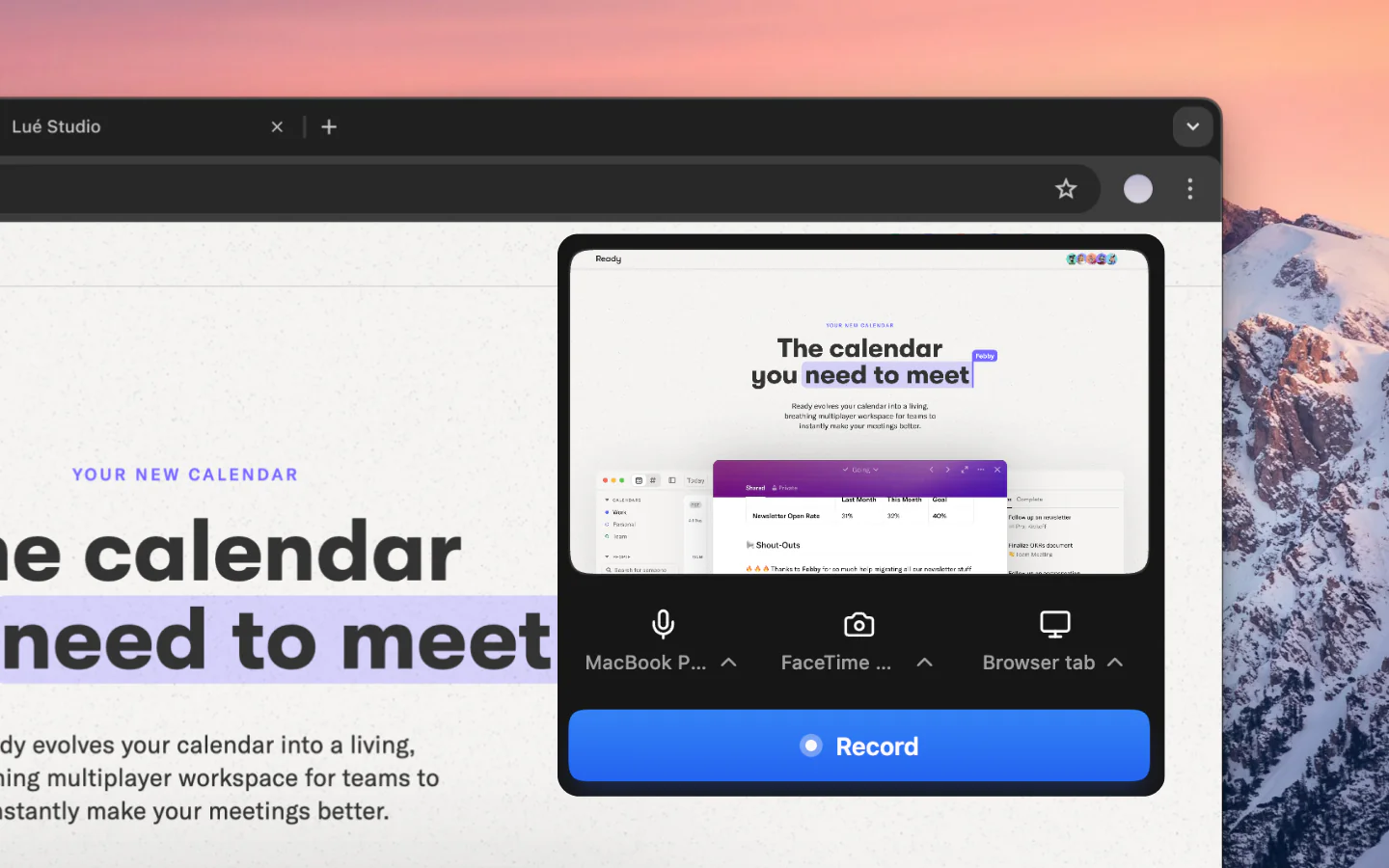
Camtasia is a full editing suite. Vibrantsnap needs no editing skills: record, review the AI edit, tweak a line of script or a zoom, export.
Instead of re-recording your narration until it sounds right, let one of 30 studio voices read the cleaned-up script, in 10 languages.
The questions people ask most before getting started.
Yes, for product demos, tutorials and onboarding videos where speed matters more than frame-level control. Camtasia gives you a deep manual timeline on the desktop; Vibrantsnap does the editing pass for you in the browser, with the narration rewritten and re-voiced, zooms, captions, a share link and view analytics.
No. The AI rewrites your narration into a clean script, reads it in a studio voice, adds zooms on your clicks and generates captions. You review and adjust instead of editing from scratch.
Camtasia is sold as an annual subscription, and its AI voices start on the Create plan. Vibrantsnap is free to record, edit and preview with every AI feature; you subscribe from $49/month, billed monthly or yearly, to export and publish without the watermark.
Yes. Vibrantsnap records a tab, a window or your whole screen through its Chrome extension and edits in the web app, so it works the same on macOS, Windows, Linux or ChromeOS, with no desktop app to install.
Record a feature once. Ship the tutorial and the demo the same day.
No credit card required - Cancel anytime
“Less editing, more impact. Great quality videos turn attention into customers naturally.”

Healsha
Founder of Vibrantsnap