Works everywhere, not just Mac
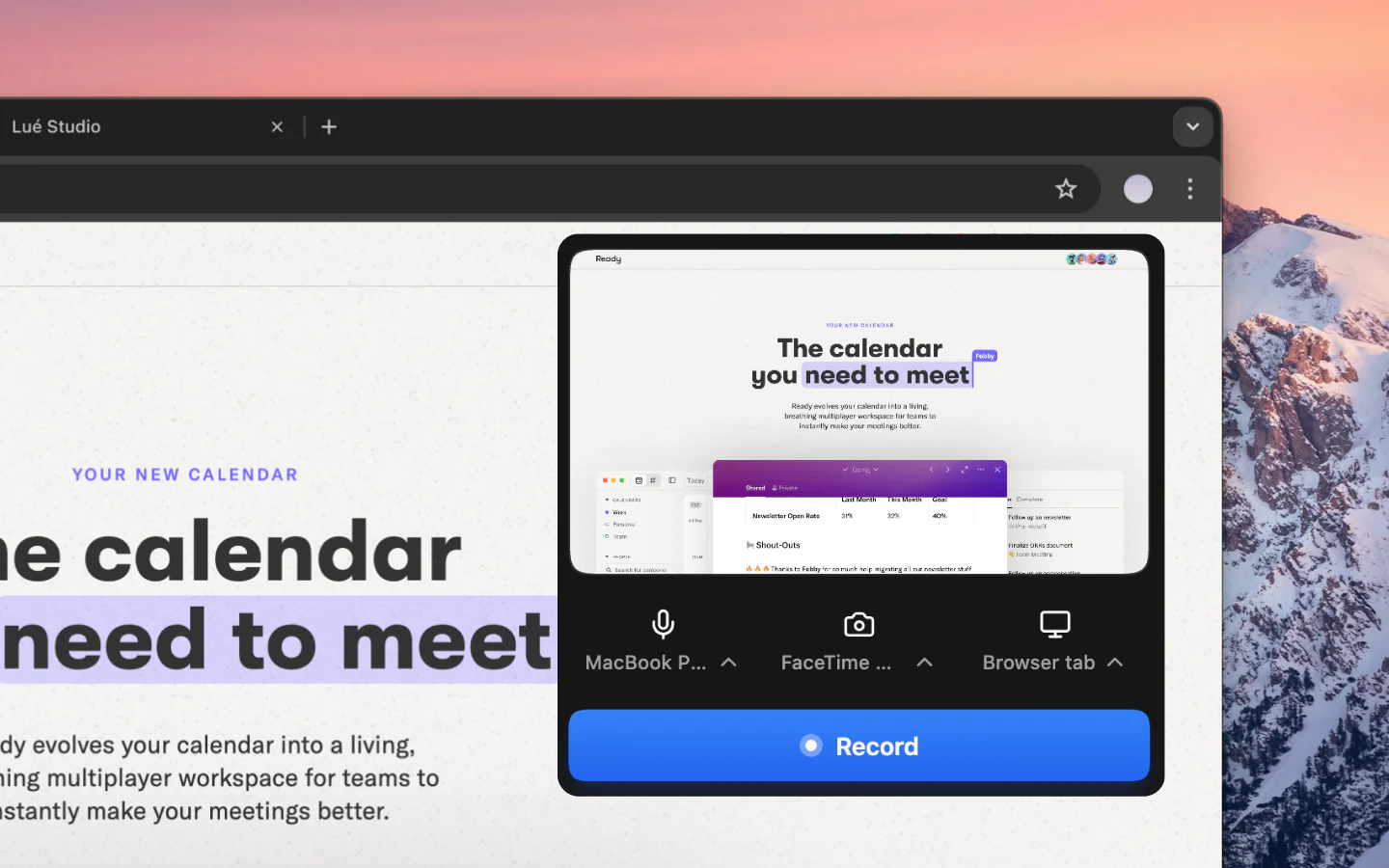
Screen Studio is Mac-only. Vibrantsnap runs in your browser so your whole team can create demos regardless of their operating system.
Beautiful demos on any platform, with AI superpowers
Screen Studio makes beautiful Mac screen recordings, but it's Mac-only and lacks AI features. Vibrantsnap works on any platform and adds auto editing, AI voiceover, CTAs, and analytics to help your demos convert, not just look pretty.
Comparison
Why Switch
Screen Studio is Mac-only. Vibrantsnap runs in your browser so your whole team can create demos regardless of their operating system.
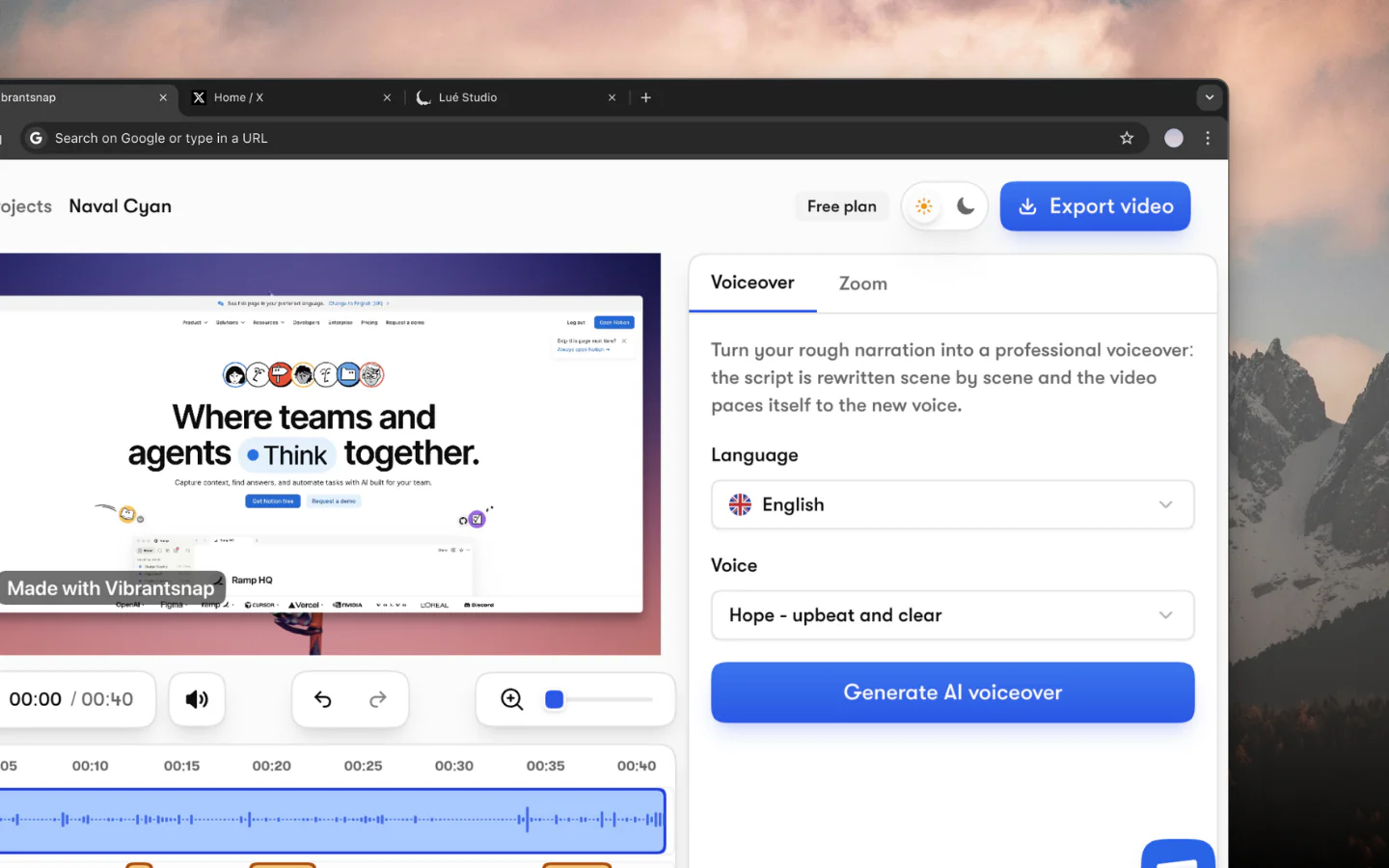
Vibrantsnap rewrites your narration into a clean script, re-voices it with a professional AI voice, and generates editable captions, features Screen Studio doesn't have.
Add CTAs, track analytics, and embed demos anywhere. Screen Studio exports video files, Vibrantsnap drives business results.
The questions people ask most before getting started.
Yes. Screen Studio excels at making beautiful screen recordings on Mac, but Vibrantsnap goes further with AI voiceover, auto editing, CTAs, analytics, and cross-platform support, everything you need for high-converting product demos.
Vibrantsnap focuses on beautiful backgrounds and professional presentation for your demos. While Screen Studio's auto-zoom is great for tutorials, Vibrantsnap's AI-powered editing and voiceover features create more polished, conversion-focused demo videos.
Yes. Unlike Screen Studio which requires macOS, Vibrantsnap works in any modern browser on Windows, Mac, Linux, or ChromeOS. No software installation needed.
Screen Studio costs $9/mo (yearly) or $29/mo monthly for screen recording only. Vibrantsnap adds the AI voiceover, the editable AI captions and the CTAs on top of the recording, free to try on your own footage, and costs from $49/mo to export.
Join thousands of founders and creators shipping demo videos that drive real results.
No credit card required - Cancel anytime
“Less editing, more impact. Great quality videos turn attention into customers naturally.”

Healsha
Founder of Vibrantsnap