Desktop software on every plan
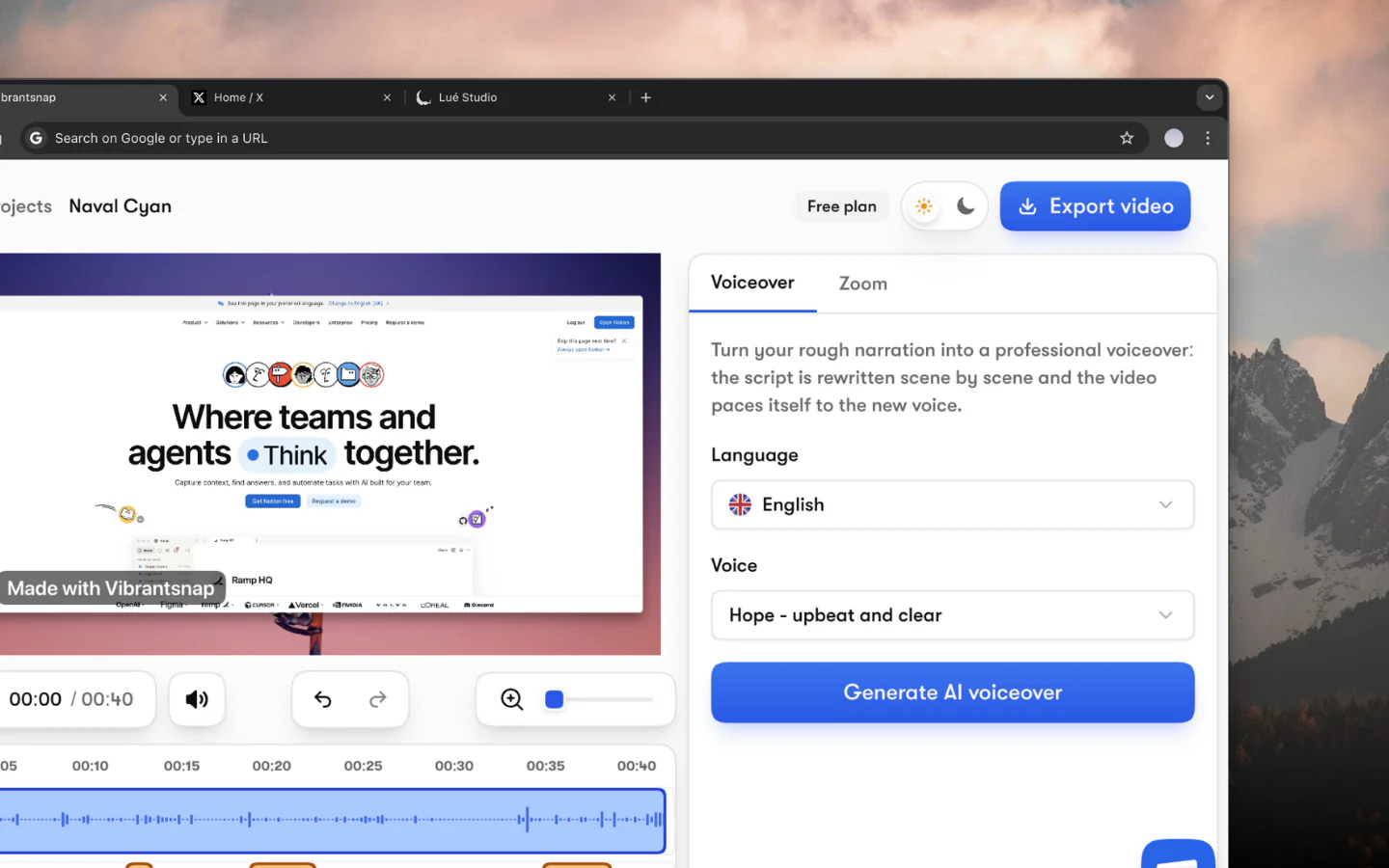
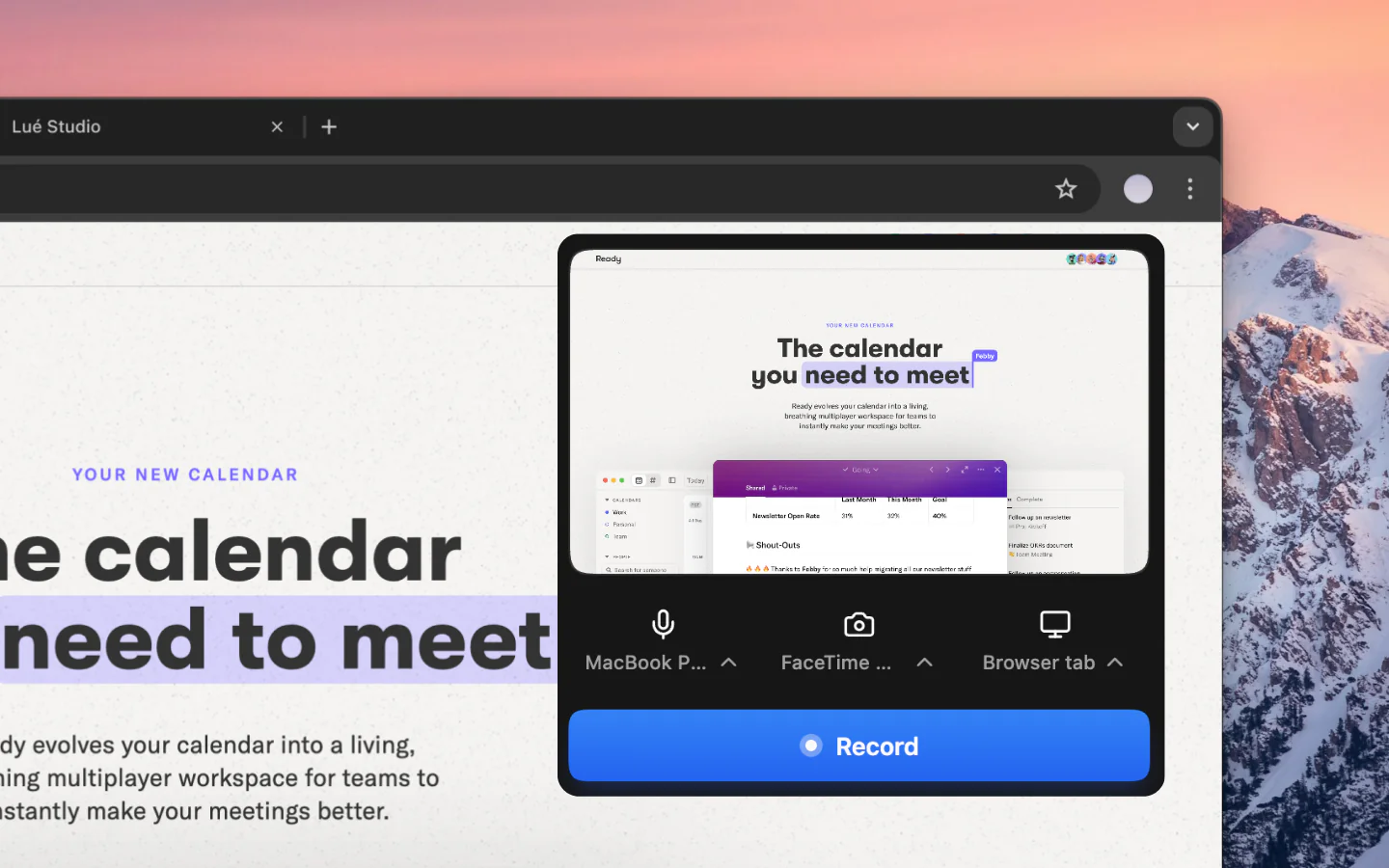
Guidde captures desktop apps from Business. Vibrantsnap records a window or the whole screen on every plan, free included; zooms are automatic in web pages and placed by hand elsewhere.
AI voices, desktop capture and 10 languages, from the free plan
Guidde captures a workflow, as steps or as one take, and builds a how-to video with an AI voiceover and captions. It is priced per creator, and PPT and PDF exports start on Pro. Vibrantsnap starts from you talking through the product the way you would on a call: the AI rewrites what you said into a clean script, reads it in a studio voice and retimes the video, with zooms that follow your clicks. The same recording gives a step-by-step guide you copy or download as a PDF. Vibrantsnap's AI voices, desktop capture, 10 languages and the guide are on every plan.
At a glance
Competitor prices are each vendor's lowest paid plan, as listed on its pricing page on September 30, 2026.
| Tool | Best for | Paid plan from |
|---|---|---|
| Vibrantsnap | Product demos and customer tutorials with an AI voiceover, plus a free step-by-step guide | $40/mo billed yearly (Pro) |
| Clueso | Video plus docs, with SOC 2 and ISO 27001 | $40/mo billed yearly (Solo) |
| Trupeer | Video and docs, metered in credits | $40/mo billed yearly (Pro) |
| Scribe | SOPs, internal checklists and compliance procedures | $25/seat/mo billed yearly (Pro Personal); $13/seat on Pro Team, 5 seats minimum |
| Tango | Written workflows, on-screen guidance on Enterprise | $22/user/mo billed yearly (Pro, 1-2 users); $15/user for 3 or more |
| Supademo | Self-serve product tours | $38/creator/mo billed yearly (Scale) |
| Loom | Quick internal messages | About $15/creator/mo billed yearly (Business) |
| Camtasia | Dedicated video producers who want manual control | $179.88/yr (Essentials) |
Comparison
| Feature | Vibrantsnap | Guidde |
|---|---|---|
| AI voiceover and captions | Yes | Yes |
| Translation below Enterprise | Yes | No |
| AI voices on the free plan | Yes | No |
| Record desktop software on the entry plan | Yes | No |
| Step-by-step guides as PDF on the free plan | Yes | No |
| PPT export | No | Yes |
| In-app delivery inside other tools | No | Yes |
Pricing
Prices as listed on Guidde's pricing page on September 30, 2026. Check it before you buy: vendors change their plans often.
| Plan detail | Guidde | Vibrantsnap |
|---|---|---|
| Free plan | $0, up to 25 how-to videos, web apps only, with the Guidde watermark | $0, to record, edit and preview with no limit, plus 3 AI credits a month (1 AI credit = 1 AI voiceover); share links carry a watermark; step-by-step guides included |
| First paid plan | Pro, $29 per creator a month, or $19 billed yearly | Pro, $49/month, or $40/month billed yearly |
| Team plan | Business, $59 per creator a month, or $39 billed yearly, up to 5 creators | Scale, 2 to 5 seats, from $149/month, or $129/month billed yearly, unlimited 4K exports, 65 to 125 AI credits a month shared by the team |
| AI text-to-voice | Unlimited from Business, 200+ voices in 50+ languages; premium voices are an add-on at $19 per user a month billed yearly | On every plan, including Free |
| Desktop apps | Business and up | Every plan, as a window or the whole screen; auto-zoom needs a web page |
| Viewer analytics | Basic video analytics on every plan; insights dashboard and tracked links from Business | Pro and up, views on every share link |
| Export formats | Video, PPT and PDF from Pro | Guide: copy (HTML, Markdown) or PDF on every plan. Video: MP4 from Pro, in 1080p or 4K |
| Translation | Enterprise | 10 voiceover languages, on every plan |
Why Switch
Guidde captures desktop apps from Business. Vibrantsnap records a window or the whole screen on every plan, free included; zooms are automatic in web pages and placed by hand elsewhere.
Guidde includes unlimited text-to-voice from Business. On Vibrantsnap, the AI rewrite, the 30 studio voices and the captions are available on every plan, free included.
Narrate in the language that comes naturally and publish in any of 10 languages. Guidde keeps multi-language translation for Enterprise.
Switching
Other options
Each vendor's lowest paid plan, as listed on its pricing page on September 30, 2026. Pick by what you need to hand over: a product demo or tutorial video, a written guide or a clickable tour.
One recording becomes an edited video and a step-by-step article, with script rewriting, AI voiceover, auto-zoom, captions, translation and AI avatars. It lists SOC 2 Type II and ISO 27001.
Limits: Solo includes 15 minutes of export a month, which covers only a few short tutorials, and 4K and viewer analytics start on Business.
Vibrantsnap vs CluesoTrupeer produces an AI-edited video and a written document from one recording, with AI voices, avatars and support for 100+ languages. Docs export to DOC, PDF or Markdown.
Limits: Pro's 2,000 credits cover about 20 minutes of AI video with recordings up to 10 minutes, translation starts on Scale, and viewer analytics are Enterprise.
Vibrantsnap vs TrupeerScribe captures your workflow and writes a step-by-step guide with annotated screenshots, built for reading rather than narrated video. Basic is free for any web app in the browser.
Limits: Desktop capture needs Pro, and Scribe Movies replay the captured screenshots from a Scribe link or embed, with no MP4 export.
Vibrantsnap vs ScribeTango captures a process as a written step-by-step workflow. Its Enterprise plan adds Guide Me and Pins, which walk employees through a process on screen inside the tools they use.
Limits: Video embeds with optional AI narration start on Pro, on-screen guidance is Enterprise only, and the free plan stops at 5 shared workflows.
Supademo turns your product flow into an interactive demo that viewers click through themselves, with an AI voiceover you can add to each step. Free includes 5 guided interactive demos.
Limits: A click-through demo asks the viewer to act, which suits a landing page or a sales email better than a help-center video, and HTML demos start on Business.
Vibrantsnap vs SupademoLoom records your screen and camera and shares the result as a link. Business + AI adds filler-word and silence removal, auto titles, summaries and chapters.
Limits: There is no AI voiceover and no step-by-step structure: a Loom is a message, not documentation and not a demo.
Vibrantsnap vs LoomTechSmith's desktop editor with full manual control, sold as yearly plans from Essentials to Pro. AI voiceover generation starts on the Create tier.
Limits: Zooms and callouts are placed by hand on a timeline, which suits a dedicated video producer and slows down everyone else.
Vibrantsnap vs CamtasiaThe questions people ask most before getting started.
It depends on what you make. For written SOPs, Scribe and Tango. For a video and a written guide from one recording, Clueso, Trupeer or Vibrantsnap; Vibrantsnap fits customer-facing demos and tutorials where the narration matters, and its guide is free on every plan. For interactive click-through demos, Supademo. For quick internal messages, Loom. If your content is internal process documentation, Guidde itself is often still the best fit.
Several have free plans. Scribe Basic creates written guides of web apps in the browser. Tango Free allows 5 shared workflows. Clueso Free exports 10 minutes of video a month with a watermark, and up to 10 articles. Loom Starter allows 25 videos of up to 5 minutes. Vibrantsnap Free lets you record, edit and preview, with 3 AI credits a month, share a link with a watermark and get a step-by-step guide you copy or download as a PDF; exporting the video needs a paid plan.
Yes, if the video goes to customers or prospects and the way you explain the product matters: demos, feature announcements, onboarding tutorials. Vibrantsnap also writes a step-by-step guide from each narrated recording, with PDF download on every plan, Free included. Guidde fits internal process documentation better, with step capture, PPT and PDF exports from Pro and in-app delivery.
Guidde's pricing page, checked on September 28, 2026, lists Free with up to 25 how-to videos, Pro at $29 per creator a month or $19 billed yearly, Business at $59 per creator a month or $39 billed yearly for up to 5 creators, and Enterprise on a quote.
PDFs, yes; slides, no. Vibrantsnap writes a step-by-step guide from each narrated recording, and you download it as a PDF or copy it as HTML or Markdown, free on every plan. The video exports as MP4 from Pro, in 1080p or 4K, with a share link and an embed code on every plan. Guidde exports videos, PPTs and PDFs from its Pro plan.
Yes, as a window or the whole screen, on every plan. Automatic zooms rely on the cursor data the extension captures in web pages, so on desktop software you place the zooms yourself.
Record a feature once. Ship the tutorial and the demo the same day.
No credit card required - Cancel anytime
“Less editing, more impact. Great quality videos turn attention into customers naturally.”

Healsha
Founder of Vibrantsnap