Published August 14, 2026 in Tools Comparison · Updated September 9, 2026
7 Best Screen Studio Alternatives (2026): Mac, Windows, Web

Founder & Content Creator · 8 min read
Screen Studio earned its reputation honestly: it made screen recordings look cinematic — smooth cursor, automatic zooms, pretty backgrounds — before almost anyone else. But two things now push people to search for alternatives. It's macOS-only, and it's subscription-only: $29/month or $108/year, with the old $229 one-time license discontinued for new buyers and exports locked without an active plan. As one r/macapps user put it: "I'm really into the ScreenStudio app, but their pricing totally sucks."
I build Vibrantsnap, a tool that competes in this exact category, and I've tested every option below hands-on — same product walkthrough recorded in each, exported, and compared on polish, effort, platform support, and real cost. Here are the seven Screen Studio alternatives that actually deserve the comparison in 2026, including free, Windows, and pay-once options.
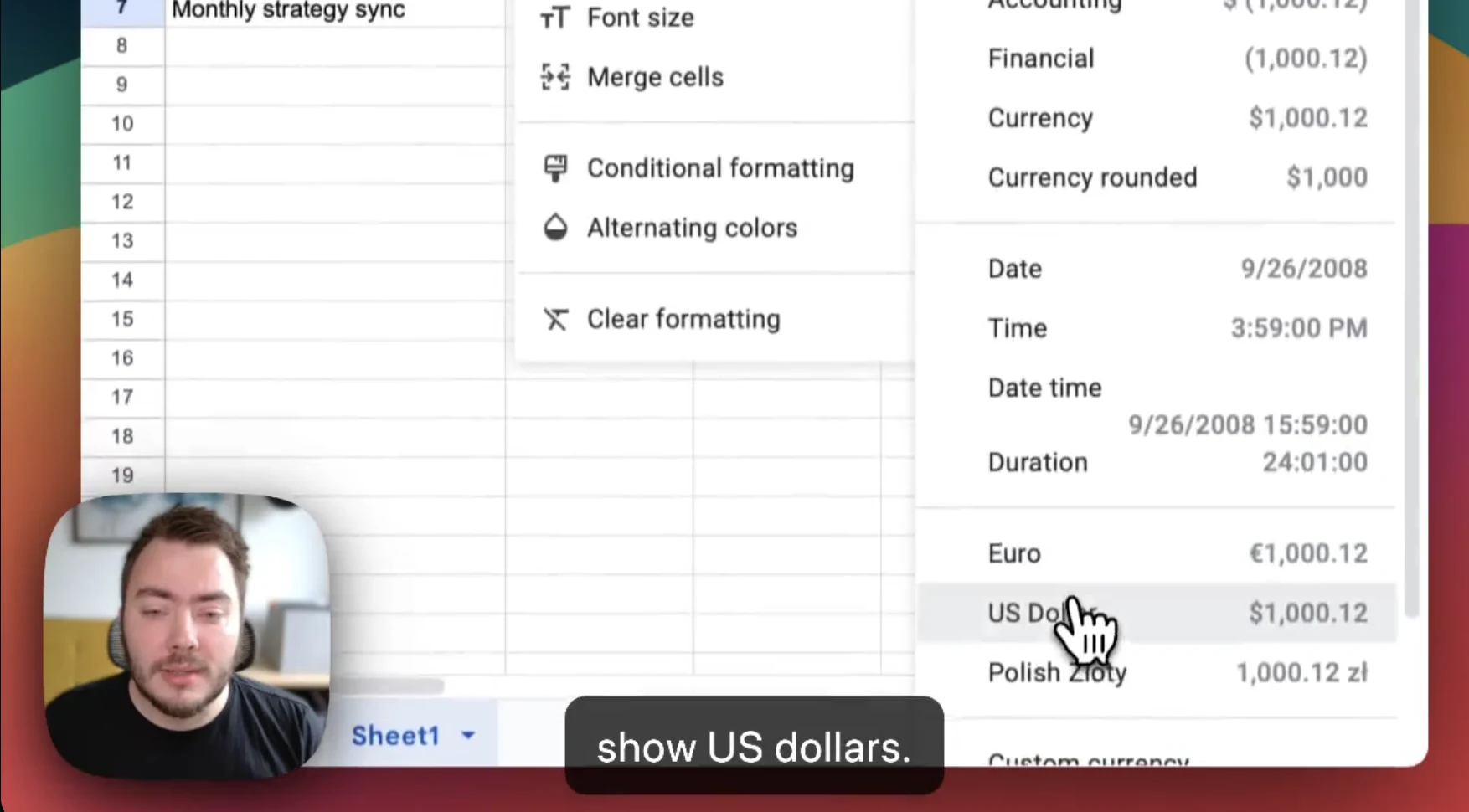
Quick comparison: Screen Studio alternatives at a glance
| Tool | Platforms | Pricing model | Auto-zoom | AI voiceover | Best for |
|---|---|---|---|---|---|
| Vibrantsnap | Browser (Mac + Windows) | Free to record & edit; from $49/mo to export | Yes | Yes | Polished product demos with narration |
| Tella | Web + desktop | $13–19/user/mo (annual) | Zoom effects | No | Creator-style polished videos |
| FocuSee | Windows + Mac | Lifetime license available | Yes | No | Screen Studio look on Windows |
| CursorClip | macOS | $59 one-time | Yes | No | Pay-once, no subscription |
| OBS Studio | Mac, Windows, Linux | Free, open source | No (manual) | No | Zero-budget recording |
| Camtasia | Windows + Mac | ~$179.88/yr | Manual | On higher tiers | Long-form training editing |
| Loom | Mac, Windows, web | Free / $18/user/mo | No | No | Quick async messages |
TL;DR: If you want Screen Studio's polish plus an AI voiceover, on Mac or Windows, without paying before you've produced anything, use Vibrantsnap. If your dealbreaker is the subscription itself, CursorClip ($59 once, Mac) or FocuSee (lifetime license, Windows + Mac) fix that. If your budget is zero, OBS — and budget your evenings instead.
Why look for a Screen Studio alternative?
Screen Studio remains a beautifully crafted app. The three reasons people leave:
- Mac-only. No Windows version, no web version. If anyone on your team is on Windows — or you switch machines — your workflow dies at the platform border. (The top related searches say it all: "Screen Studio alternative for Windows," "free," "open-source.")
- Subscription-only pricing. The one-time $229 license is gone for new customers. It's now $29/month or $108/year, and you can't export a single video without an active plan. The Reddit threads about the pricing change are not gentle.
- No AI voiceover. Screen Studio polishes the visuals. Your audio is still whatever you managed to record — every "um," every retake. Tools built after the AI wave re-voice your narration entirely.
Here's the field, ranked by how well each one replaces it.
The 7 best Screen Studio alternatives in 2026
1. Vibrantsnap — the polish, plus an AI voiceover, on both platforms
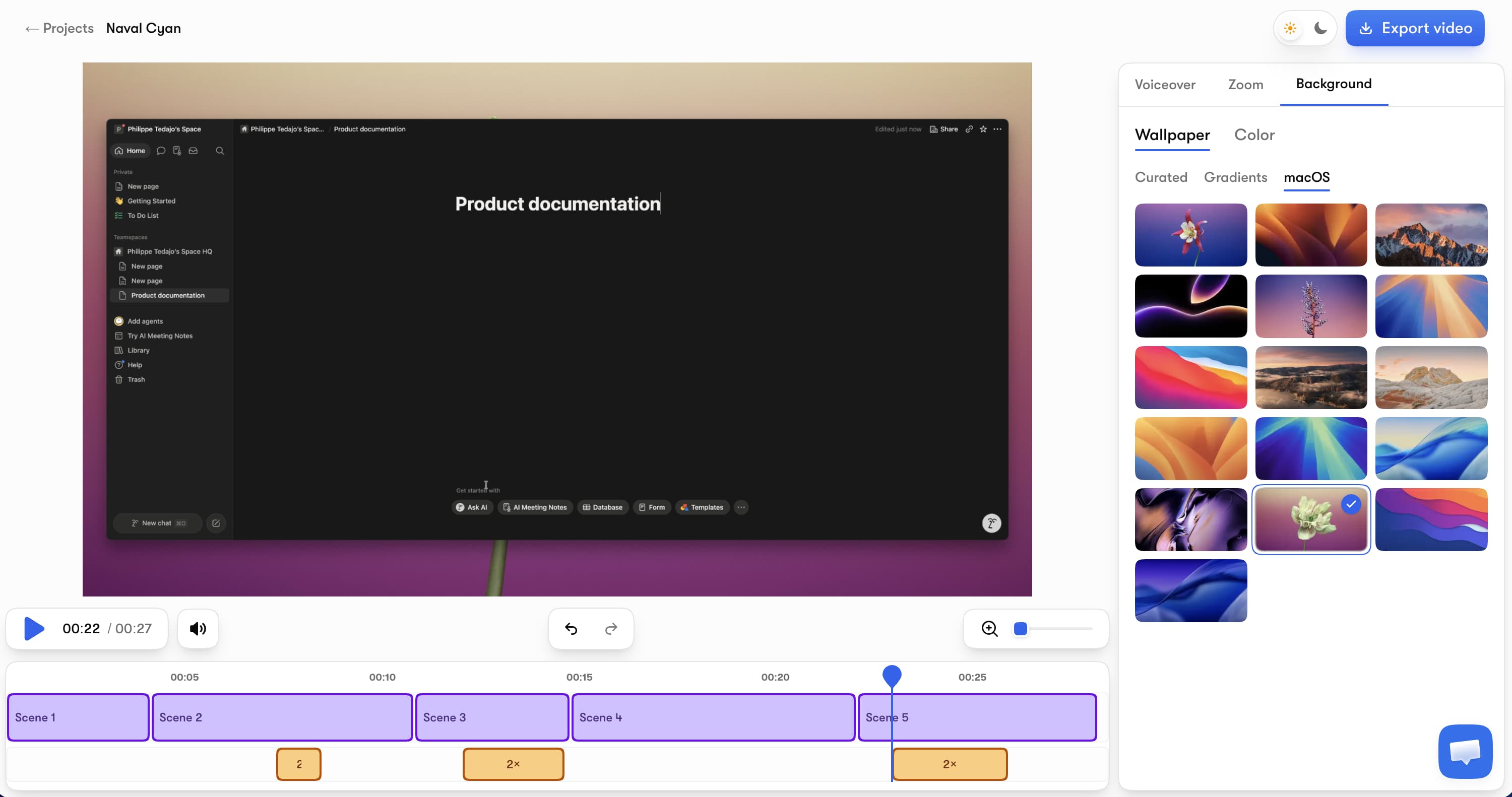
Vibrantsnap (our tool — judge the reasoning, not the placement) covers Screen Studio's signature moves — automatic zooms that follow your clicks, smooth camera movement, clean backgrounds and layouts — and adds the thing Screen Studio doesn't have: a professional AI voiceover. Record a browser tab while narrating naturally; the AI replaces your take with a polished voice, the rewritten script leaves the fillers behind, and captions generate automatically.
Key features:
- Auto-zoom on clicks and typing with smooth camera motion — the Screen Studio effect, automated
- AI voiceover in multiple voices and languages, revertible any time
- A script that cleans itself — fillers, hesitations and false starts don't survive the rewrite
- AI captions on every plan, including free, editable word by word
- 4K export in 16:9, 9:16, 4:5, or 1:1
- Runs in the browser on Mac and Windows — nothing to install
- Shareable pages with CTA button and built-in analytics
Pricing: Free to record, edit, and preview — no credit card, unlike Screen Studio where export requires a plan. Watermark-free exports and the AI audio tools start with Pro at $49/month (90 min of export a month) and Scale at $149/month (400 min of export a month) for higher volume. Auto-editing, AI voiceover, and captions are on every plan, free included, and there's no annual lock-in.
Honest limits: Vibrantsnap records from the browser, so if you demo native desktop apps (IDEs, design tools), Screen Studio or FocuSee fit better. No AI avatars, no written-docs generation.
vs Screen Studio: For browser-based products — which is most SaaS — you get the same visual language plus AI narration, on both platforms, and you only pay when you export. We keep a detailed side-by-side on our Vibrantsnap vs Screen Studio page.
2. Tella — creator-grade polish on web and desktop
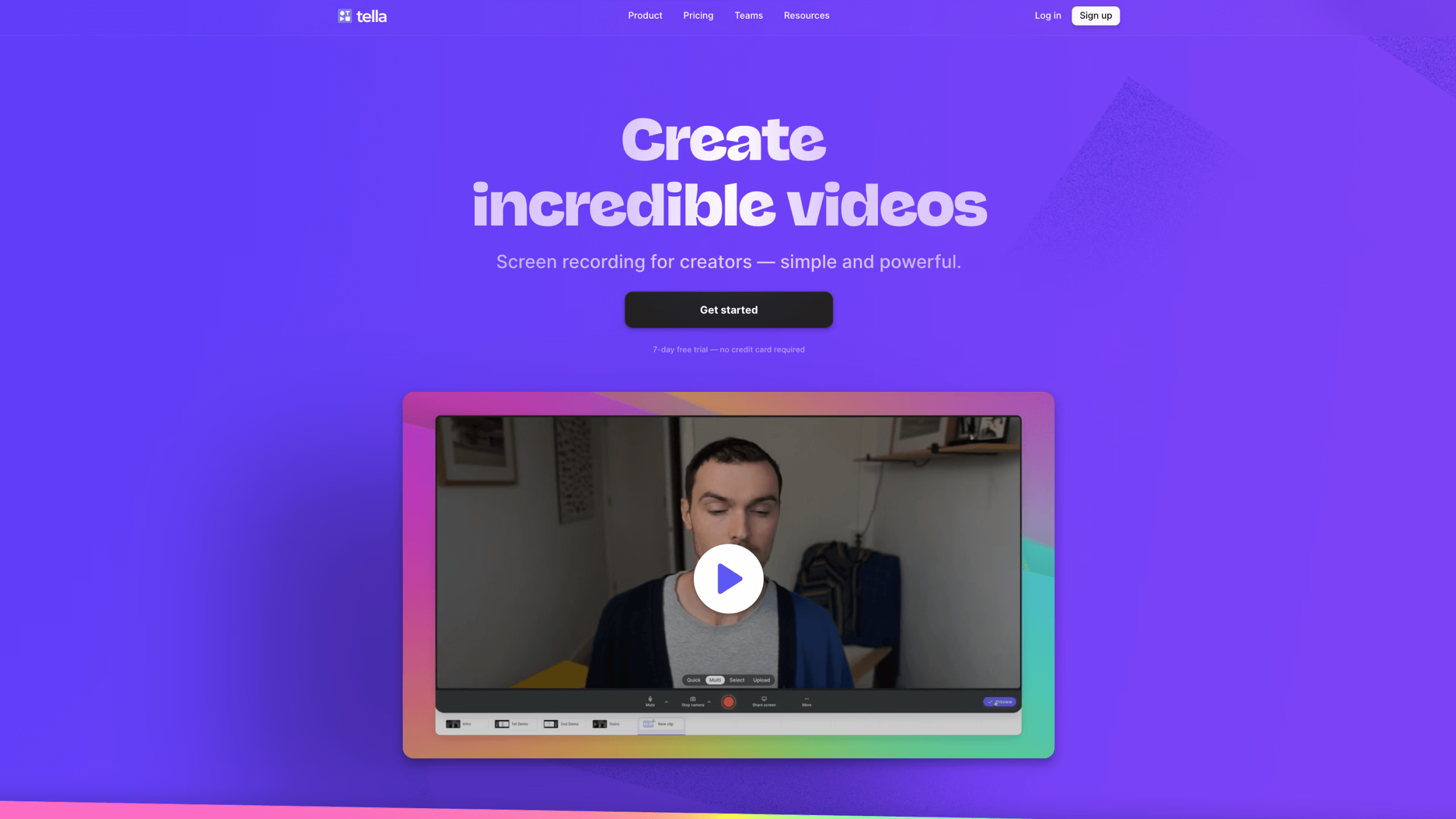
Tella is the closest match for Screen Studio's aesthetic ambitions outside macOS: polished layouts, backgrounds, zoom effects, and clip-based editing, running on the web and desktop.
Pricing: Pro at $13/user/month (annual) with unlimited videos and 4K export; Premium at $19/user/month (annual) adds custom domains, Tella-branding removal, and 60 FPS export. No permanent free plan — just a 7-day trial.
Honest limits: No AI voiceover — Tella edits by transcript but doesn't re-voice your narration — and the polish is more manual than auto-edit tools: you assemble the beauty yourself.
Best for: Creators and founders making course content and launch videos who want fine visual control. It also features in our Loom alternatives comparison.
3. FocuSee — the Screen Studio formula on Windows and Mac
FocuSee (by Gemoo) is the most literal "Screen Studio, but cross-platform" pick: automatic pan and zoom, cursor effects, dynamic layouts, 3D motion, a teleprompter, and AI audio enhancement — with native apps for both Windows and Mac and a 60-day money-back guarantee.
Pricing: FocuSee sells a lifetime license — the pay-once model Screen Studio abandoned — alongside subscription options; check their current page for exact figures.
Honest limits: A smaller ecosystem and community than Screen Studio, and no AI voiceover — your narration stays your narration.
Best for: Windows users who want the cinematic auto-zoom look, and anyone who specifically wants to own their tool outright.
4. CursorClip — $59 once, for the subscription-averse
CursorClip exists for exactly one persona: the person who loved Screen Studio's $229 lifetime license and refuses to rent software. It's a lightweight, native macOS recorder with automatic cursor-following zoom, sold for $59 one-time with lifetime updates — free to record and edit, license required to export.
Honest limits: macOS-only (so it doesn't fix the Windows problem), fewer animation presets and effects than Screen Studio, and no AI features beyond the zoom.
Best for: Mac users whose only complaint about Screen Studio is the subscription.
5. OBS Studio — free, open source, and entirely manual
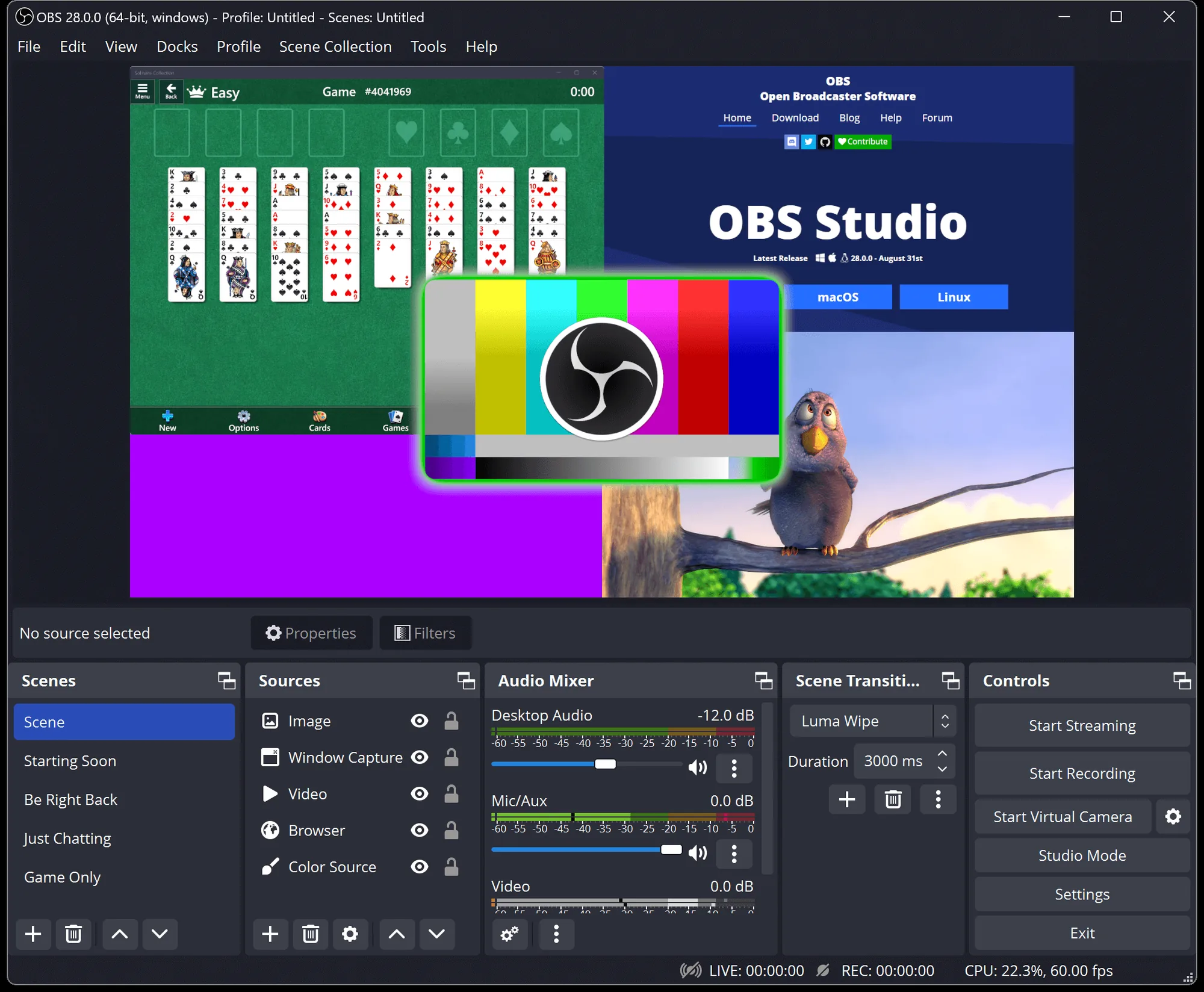
OBS Studio is the zero-cost answer: free, open source, on Mac, Windows, and Linux, with no watermark and no limits.
Honest limits: OBS gives you a raw recording. Every zoom, cut, caption, and polish pass that Screen Studio automates is manual work in a separate editor. It's a capture engine, not a production tool.
Best for: Budget-zero recording, streaming setups, and anyone happy to do post-production elsewhere. Pair it with our free demo script generator if you're scripting a demo on a budget.
6. Camtasia — heavyweight manual editing for training content
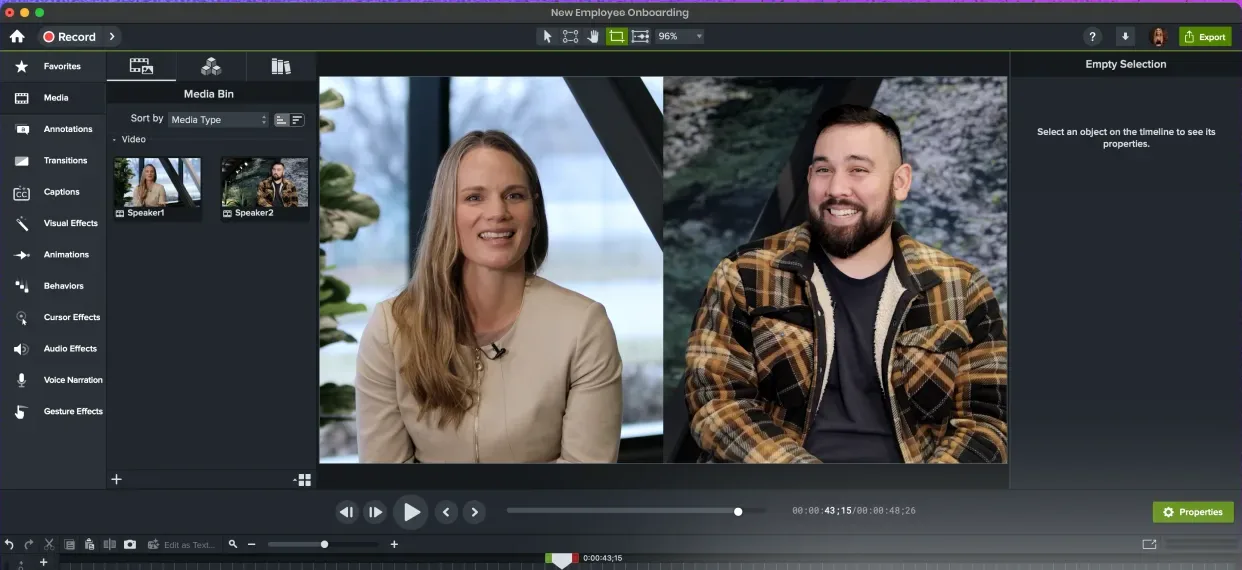
Camtasia (TechSmith) predates the auto-edit wave: a full desktop editor for Windows and Mac, sold by annual subscription (mid tier around $179.88/year, Pro at $599/year with unlimited AI features).
Honest limits: Zooms and cursor effects exist but are keyframed by hand; production time per video is measured in hours, not minutes.
Best for: L&D teams building long, precisely edited training courses — a different job than the quick cinematic demos Screen Studio users make.
7. Loom — when you need speed, not cinema
Loom is the async messaging veteran: record, get a link, send. Free covers 25 videos capped at 5 minutes; Business at $18/user/month unlocks unlimited videos and 4K.
Honest limits: No auto-zoom, no AI voiceover, no cinematic anything — Loom output is intentionally raw. It solves a different problem than Screen Studio entirely.
Best for: Quick internal walkthroughs and customer replies where speed beats polish.
How we tested
Same protocol for every tool: I recorded an identical 4-minute product walkthrough, produced the most polished output each tool could manage, and exported it. I compared visual polish, audio quality, hands-on production time, platform support, and the real cost of shipping four demos a month. All prices were verified against each vendor's official pricing page on August 14, 2026 — if a number has moved since, it changed after publication.
Which Screen Studio alternative should you pick?
- You want the polish plus AI narration, on Mac or Windows → Vibrantsnap. Free to try on your own product — see how it compares feature by feature.
- You're on Windows and want the cinematic auto-zoom look → FocuSee, or Vibrantsnap in the browser (AI screen recorder).
- Your objection is the subscription itself → CursorClip ($59 once, Mac) or FocuSee's lifetime license.
- Your budget is zero → OBS Studio, plus patience.
- You're making long training courses → Camtasia.
- You just need fast async messages → Loom.
Screen Studio is still a lovely app if you're all-Mac, subscription-tolerant, and happy recording your own narration. The point of this list is that in 2026, each of those three assumptions has a better answer.
Frequently asked questions
What are some free alternatives to Screen Studio? OBS Studio is completely free and open source on Mac, Windows, and Linux, but every zoom and cut is manual. Vibrantsnap is free to record, edit, and preview with auto-zoom and AI captions included — you only pay (plans from $49/month) for watermark-free exports and AI voiceovers. Loom's free plan covers 25 short videos for quick messages.
Can I use Screen Studio for free? Not really. Screen Studio has no free tier — you can open the app and use its features, but exporting a video file requires an active paid plan ($29/month or $108/year). There is a free trial, and students get a 40% education discount, but there's no permanently free way to produce videos with it.
Is Screen Studio a one-time purchase? Not anymore. Screen Studio previously sold a $229 lifetime license, but it has moved to subscription-only pricing for new buyers: $29/month or $108/year ($9/month billed annually). Existing lifetime licenses keep working. If you specifically want a pay-once tool, CursorClip ($59 one-time, macOS) is the closest current option.
Is there a Screen Studio alternative for Windows? Yes. Screen Studio is macOS-only, but Vibrantsnap runs in the browser on both Mac and Windows with auto-zoom and AI voiceover, FocuSee ships native Windows and Mac apps with automatic pan and zoom, Tella works on the web and desktop, and OBS Studio is free on every platform.
What does Screen Studio cost in 2026? Screen Studio costs $29/month billed monthly, or $108/year (which works out to $9/month) billed annually upfront. Both plans include the same features. The former $229 one-time license is no longer available to new customers, and exporting videos requires an active subscription.
Next steps: See the full Vibrantsnap vs Screen Studio breakdown, learn to make a product demo video with AI, or explore how the entire demo software market compares. Ready to record? Start with the AI screen recorder.
Comparison