Guides and tips for recording your screen
7 articles
Screen record on Windows 11 or 10 with Snipping Tool, Xbox Game Bar, OBS, or pro software. Step-by-step guides with audio capture tips included.

Get OBS screen recording with audio working in 2 minutes. Best settings for 1080p/4K, scene config, system audio fix, and the export presets that actually work.
Screen record on Mac with system audio and microphone. 5 proven methods using QuickTime, BlackHole, OBS, and Vibrantsnap — step-by-step guides.

Compare the best webcam recording software for streaming, tutorials, and video calls. High-quality capture with built-in editing and easy sharing.
Record a PowerPoint presentation with audio and video. 5 easy methods for Windows, Mac, and online using built-in tools and professional recorders.
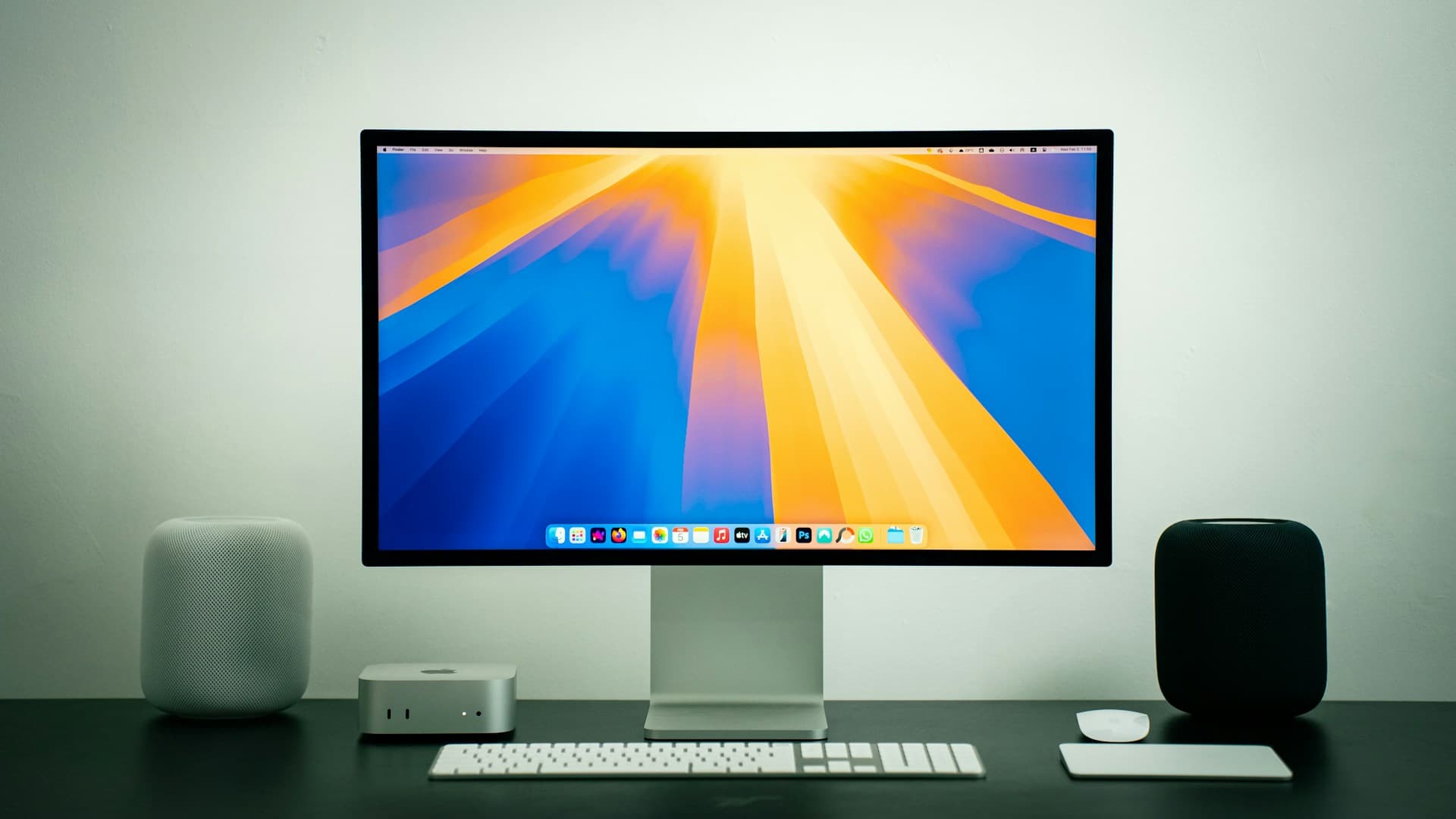
Record 4K screen videos on Mac with Retina 2x scaling. Exact settings for audio capture, quality presets, and export options — set up in 5 minutes.
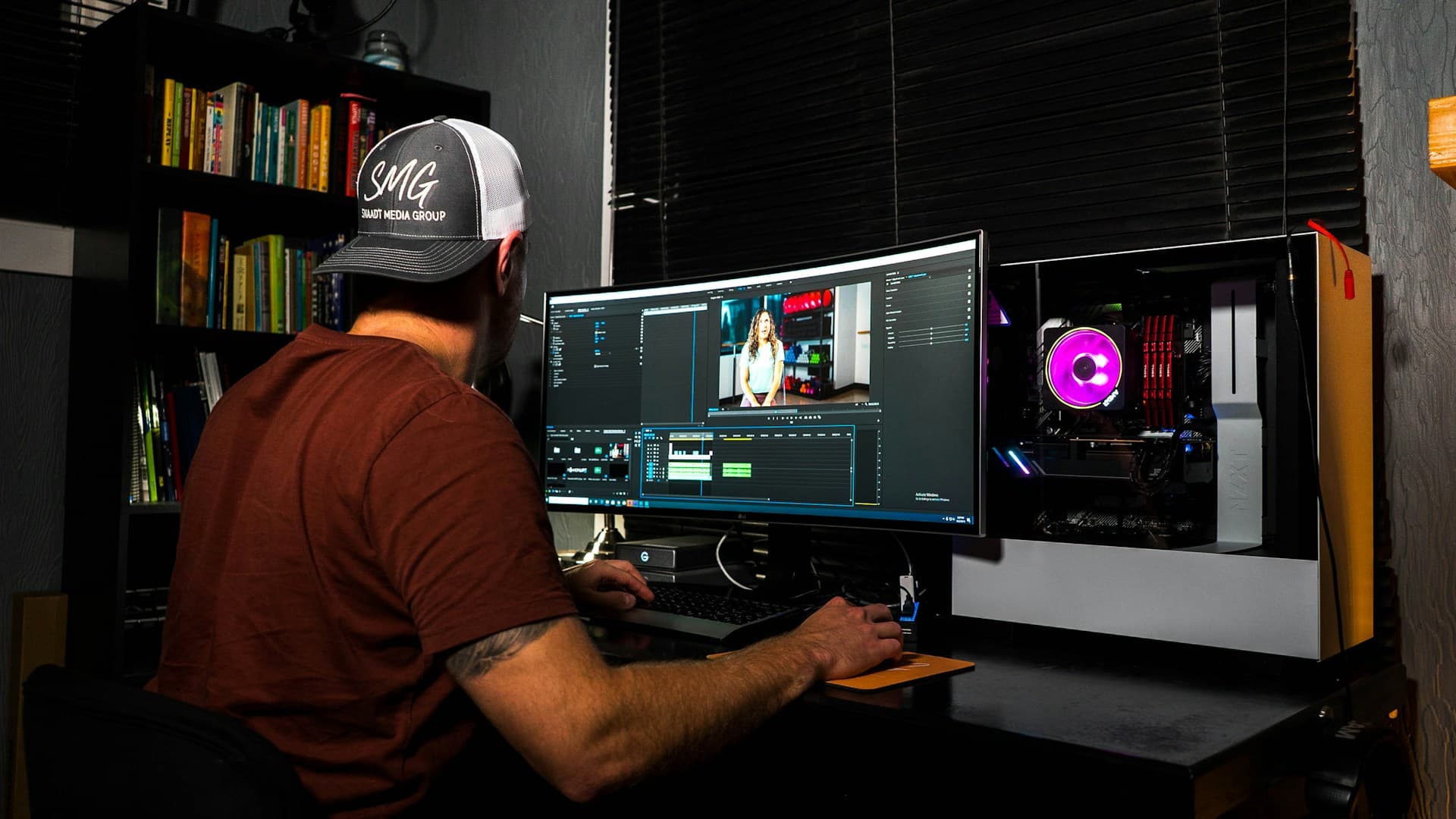
We tested Vibrantsnap, Loom, Screen Studio, OBS & 6 others: real pricing, codec benchmarks, and the best pick for tutorials, demos, or teams.
 Vibrantsnap