Record a Tab, a Window or Your Screen
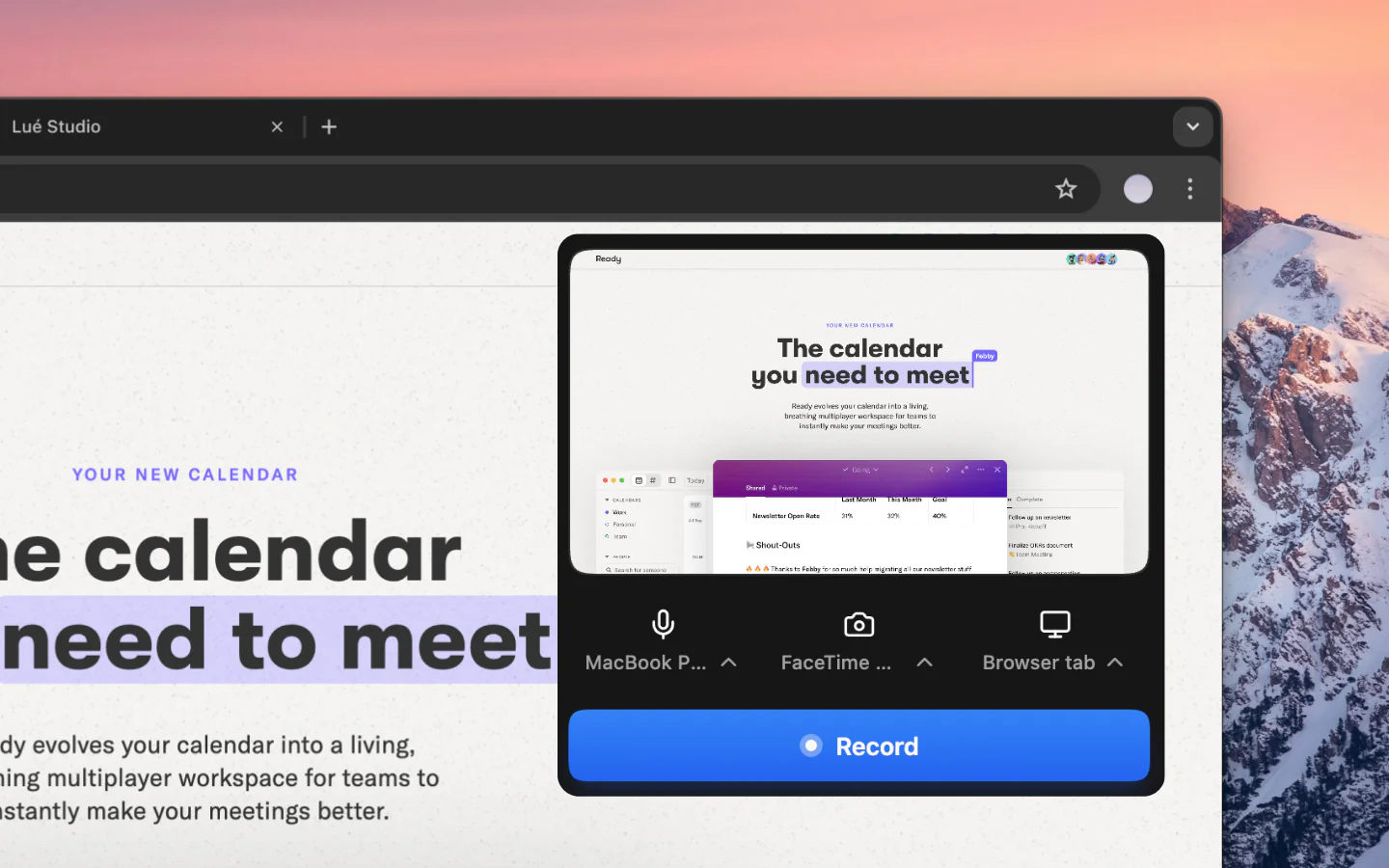
Capture a tab, a window or your whole screen on Mac, Windows or Chrome, with your webcam and microphone if you want. No setup, no complicated sharing dialogs.
Free Screen Recorder
Record a tab, a window or your whole screen on Mac, Windows or Chrome. The AI rewrites your narration into a clean script, reads it in a studio voice and retimes the video to match, with captions, auto-zooms and a share link.

Features
Capture a tab, a window or your whole screen on Mac, Windows or Chrome, with your webcam and microphone if you want. No setup, no complicated sharing dialogs.
The AI rewrites your narration into a clean script, so hesitation and rambling don't survive into the final video, and smooth zooms follow every click automatically.
Record your narration, then let the AI re-voice it in a studio voice. Choose from 30 voices across 10 languages, and revert whenever you want.
Captions are generated automatically from your narration and stay fully editable and styleable, word by word.
Add clickable CTAs to your videos, drive viewers to sign up, book a demo, or visit a page directly inside the video player.
Track the views on every link you share or embed. Link analytics are included from Pro up.
How it works
Install Vibrantsnap on Mac or Windows from the Chrome Web Store. A free account is required, no credit card, no trial period.
Capture a tab, a window or your whole screen. Add your webcam and microphone if you want, and stop with one shortcut (Alt+Shift+S).
Vibrantsnap places smooth zooms around your clicks and generates captions. Pick a studio voice and the AI rewrites your narration into a clean script, then retimes the video to match.
Share with a link or embed on your website. Track the views on every link with built-in analytics.
Available everywhere
Record a tab, a window or your whole screen on macOS with tab audio and AI auto-editing. Nothing to install beyond the Chrome extension.
Record a tab, a window or your whole screen on Windows 10 & 11 with AI editing. No desktop app and no driver setup, unlike Xbox Game Bar.
Record straight from Chrome. Perfect for Chromebook users. Nothing to download beyond the extension.
There are dozens of screen recorders. OBS is free and powerful but complex. Loom is simple but limited to raw recordings. Camtasia has advanced editing but you pay for a licence. None of them rewrite your narration and re-voice it for you.
Vibrantsnap is the only screen recorder that records your screen and auto-edits it with AI in the same workflow. Hit record, capture your screen, and get back a polished video: your narration rewritten into a clean script and read in a studio voice, smooth zooms on every click, captions timed to the voice. In minutes, not hours.
Free screen recorders typically add watermarks to your videos, making them look unprofessional in sales calls and client presentations. With Vibrantsnap, recording, editing, and previewing are always free, and the Pro and Scale plans export without a watermark.
Most screen recorders are optimized for gaming clips and streams. Vibrantsnap is purpose-built for sales demo videos, customer onboarding, product documentation, and marketing content. Every feature is designed to help your videos convert viewers into customers.
Compare: vs Screen Studio | vs Tella | All alternatives
The questions people ask most before getting started.
Vibrantsnap is free to record, edit and preview, with no credit card. You subscribe to export the file and to publish it without the watermark: Pro at $49/month for 90 min of 4K export with link analytics, or Scale at $149/month for 400 min, a brand kit and priority rendering. Business is quoted per company. The AI voiceover, the auto-zooms and the captions are on every plan, free included.
Vibrantsnap runs in your browser on macOS and Windows. You record with the Chrome extension, which works in any Chromium-based browser (Chrome, Edge, Brave, Arc), and edit in the web app at app.vibrantsnap.com.
Recording, editing, and previewing are always free — only the in-editor preview shows a watermark. Exports require a subscription, and the Pro and Scale plans export with no watermark at all.
Loom and OBS only record raw footage. Vibrantsnap records and auto-edits with AI: smooth zooms follow your clicks, the AI rewrites your narration into a clean script and reads it in a studio voice, and captions are generated. You get a polished demo ready to share, not raw footage that needs editing.
Yes. Vibrantsnap exports MP4 in 1080p and 4K, on Mac, Windows and Chrome alike. Your product demos and tutorials will look sharp on any display.
No. Vibrantsnap offers unlimited recording length on all plans. Record as long as you need, from a 30-second clip to a 2-hour presentation.
Join thousands of founders and creators shipping demo videos that drive real results.
No credit card required - Cancel anytime
“Less editing, more impact. Great quality videos turn attention into customers naturally.”

Healsha
Founder of Vibrantsnap