Built for demos, not design
Canva's video editor uses templates for social media and marketing. Vibrantsnap is purpose-built for recording and editing product demos that drive conversions.
Purpose-built for product demos, not generic video templates
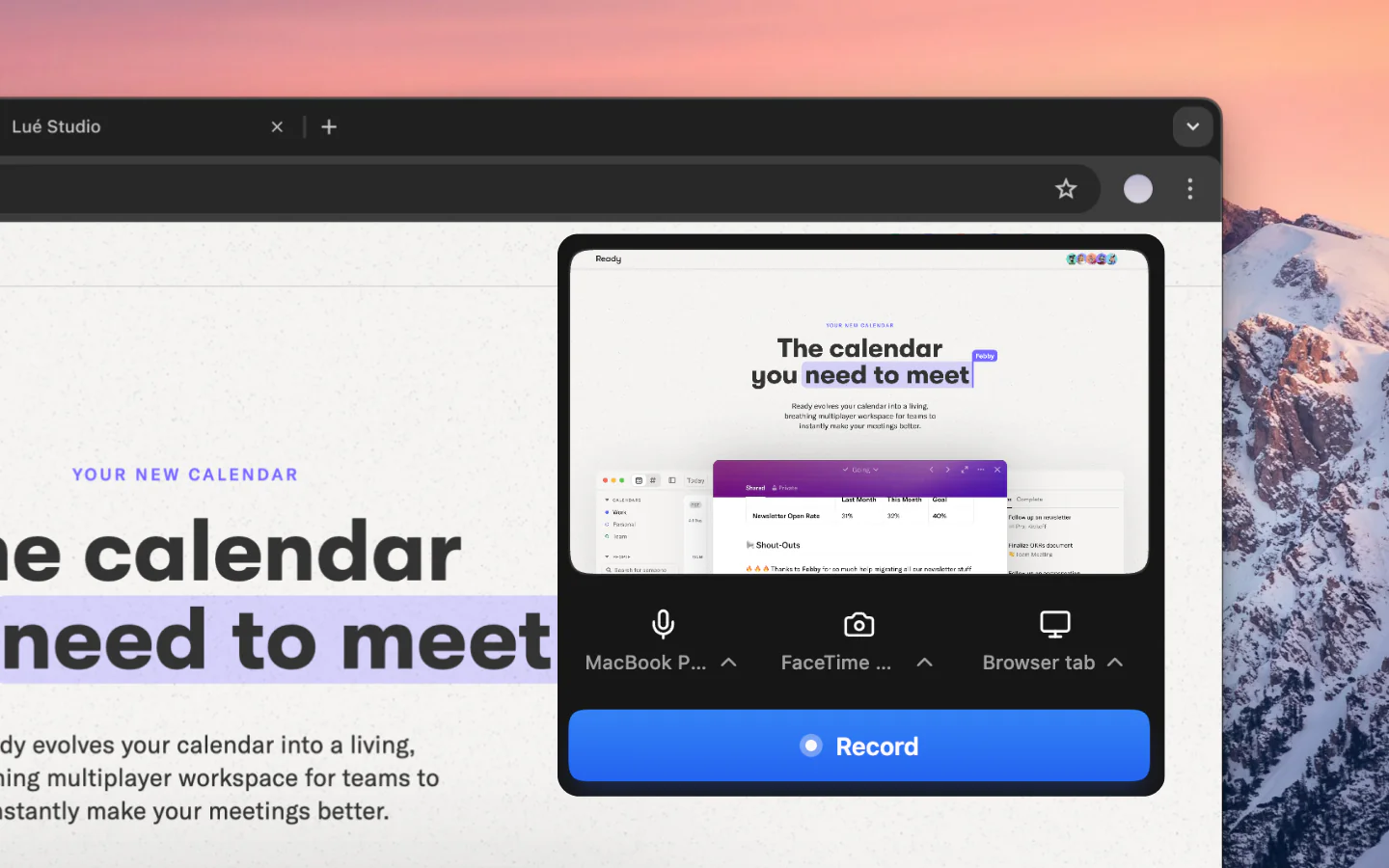
Canva is a versatile design tool with basic video editing, but it's not built for product demos. Vibrantsnap records your screen, auto-edits with AI, adds voiceover in 30 voices, and includes CTAs and analytics, everything SaaS teams need to create demos that convert.
Comparison
Why Switch
Canva's video editor uses templates for social media and marketing. Vibrantsnap is purpose-built for recording and editing product demos that drive conversions.
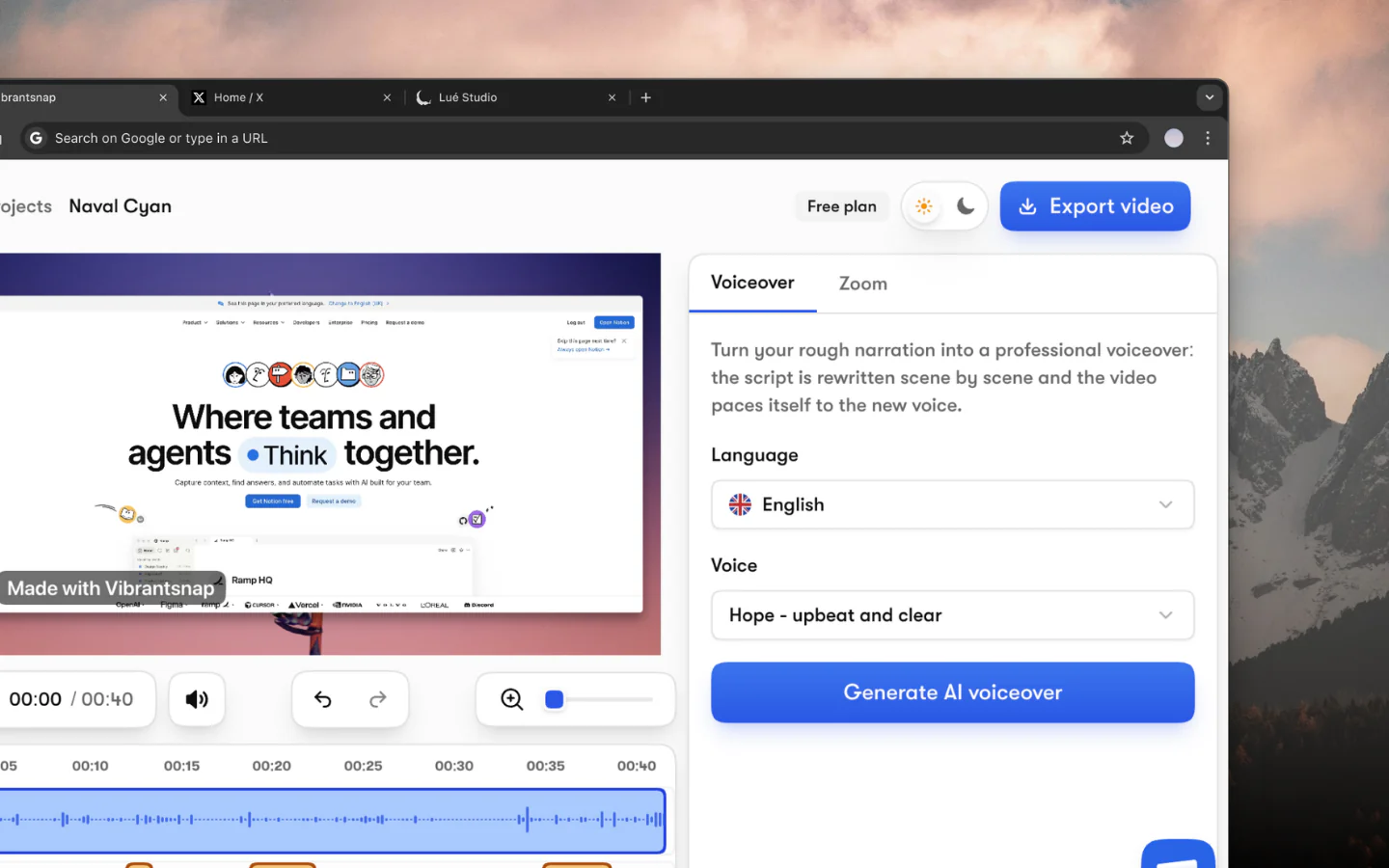
Vibrantsnap rewrites your narration into a clean script, reads it in a studio voice, and produces polished demos. Canva requires manual editing with a basic timeline.
Add CTAs directly to demos, track viewer analytics, and embed anywhere. Canva exports video files with no engagement tracking or conversion features.
The questions people ask most before getting started.
Yes, for product demos. Canva is a great general design tool with basic video editing. Vibrantsnap is specialized for SaaS product demos with screen recording, AI auto editing, voiceover, CTAs, and analytics.
Canva's video editor uses templates and manual timeline editing, optimized for social media content. Vibrantsnap records your product screen, auto-edits with AI, adds voiceover, and includes CTAs and analytics, purpose-built for demos.
Canva Pro is $12/mo for general design including basic video editing. Vibrantsnap is built for product demos specifically — AI editing pass, voiceover, CTAs — free to use, and from $49/mo to export and drop the watermark.
Absolutely. Many teams use Canva for graphic design and marketing materials while using Vibrantsnap specifically for product demo videos. They complement each other well.
Join thousands of founders and creators shipping demo videos that drive real results.
No credit card required - Cancel anytime
“Less editing, more impact. Great quality videos turn attention into customers naturally.”

Healsha
Founder of Vibrantsnap