Vibrantsnap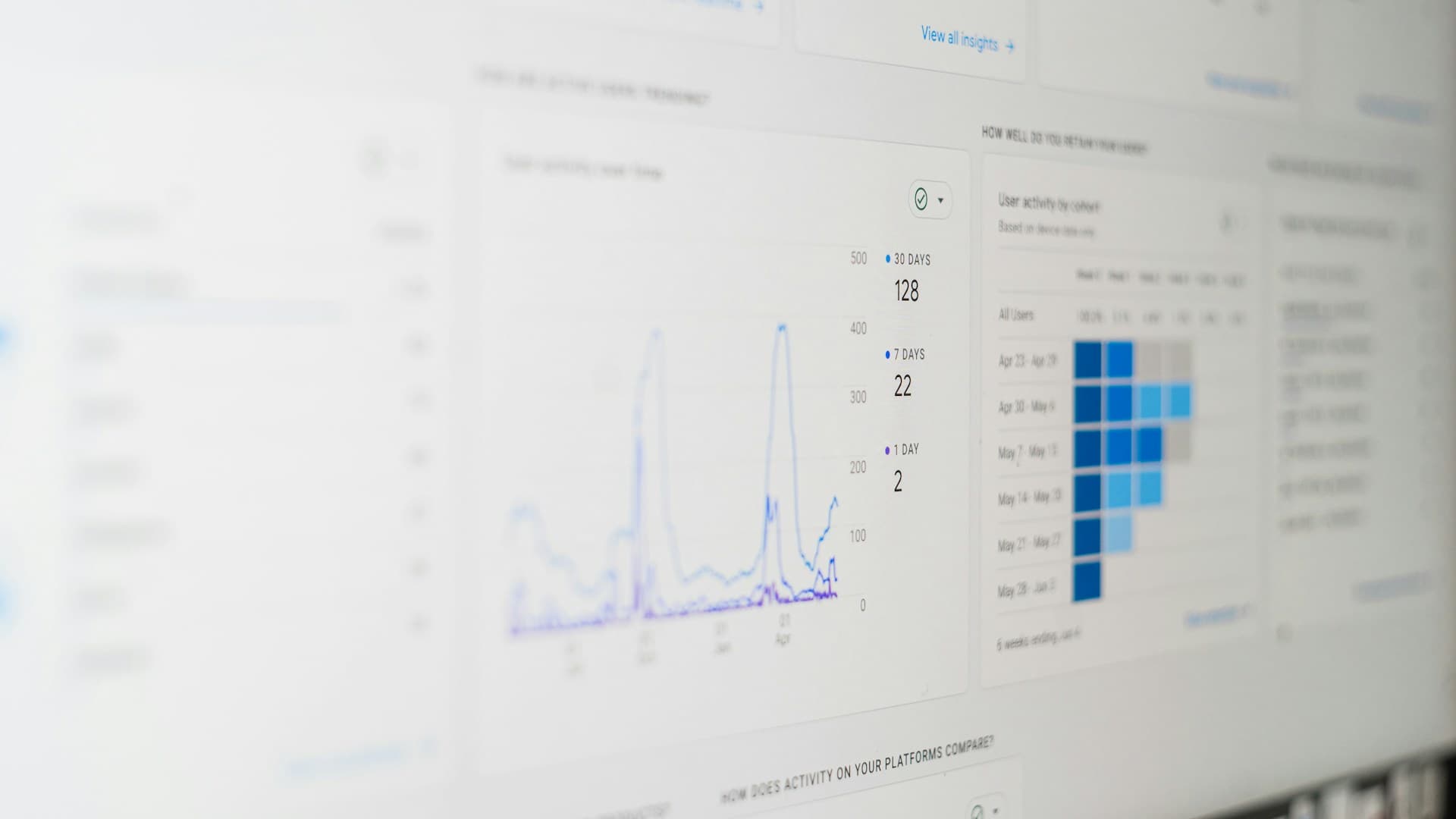

Video SEO Guide for SaaS Product Videos
You've created great product videos. Now nobody can find them.
This is the reality for most SaaS companies: hours spent on production, minutes spent on optimization. The result? Videos that get a few dozen views when they could be driving thousands of qualified leads.
Video SEO isn't complicated, it's just overlooked. In 2026, with Google increasingly featuring video content in search results and AI Overviews pulling from video transcripts, optimizing your videos isn't optional anymore.
This guide covers everything SaaS founders need to know about video SEO, from YouTube optimization to on-site video structured data.
Why Video SEO Matters for SaaS
Three major shifts make video SEO critical in 2026:
1. Google Prioritizes Video in Search Results
Video carousels and video-rich snippets appear for an increasing number of queries. For "how to" searches, the bread and butter of SaaS discovery, video results often dominate.
Google now extracts key moments from videos and displays them as mini-answers. If your video explains "how to create a project dashboard," that specific segment can appear directly in search results.
2. AI Overviews Pull from Video Content
AI search tools like Google's AI Overviews, ChatGPT, and Perplexity increasingly summarize video content. They use transcripts, descriptions, and on-screen text to generate answers.
Videos with clear, well-structured content are more likely to be cited in AI-generated responses.
3. YouTube is the Second-Largest Search Engine
YouTube processes over 3 billion searches per month. For SaaS products, YouTube queries often indicate high purchase intent:
- "How to use [software category]"
- "[Product A] vs [Product B]"
- "[Product] tutorial"
- "Best [software category] for [use case]"
Companies ranking for these searches capture buyers at critical decision points.


YouTube SEO: The Foundation
YouTube is where most SaaS video SEO begins. Master these fundamentals before expanding to other platforms.
Title Optimization
Your video title is the primary ranking factor. Get it right.
Best practices:
- Include your primary keyword within the first 60 characters
- Front-load the keyword (before the pipe or dash)
- Keep titles under 70 characters to avoid truncation
- Make it compelling, rankings mean nothing without clicks
Title formulas that work:
| Formula | Example |
|---|---|
| How to [Action] with [Product] | How to Create Dashboards with Notion |
| [Product] Tutorial: [Specific Outcome] | Airtable Tutorial: Build a CRM in 10 Minutes |
| [Number] Ways to [Solve Problem] | 5 Ways to Automate Your Sales Pipeline |
| [Product] vs [Competitor]: [Year] | Slack vs Teams: Which Is Better in 2026? |
Avoid:
- Clickbait that doesn't deliver (hurts watch time, tanks rankings)
- Vague titles like "Product Update" or "New Feature"
- Keyword stuffing
Description Optimization
YouTube descriptions are underutilized. Most creators write one sentence and stop. Do better.
Structure for maximum SEO:
-
First 125 characters: Include your primary keyword. This appears in search results before the "show more" cutoff.
-
Next 200-300 words: Expand on the video content with natural keyword usage. Explain what viewers will learn.
-
Timestamps: List key moments with timestamps. YouTube uses these for "key moments" in search results.
-
Links: Include relevant links (your website, related videos, resources mentioned).
-
Hashtags: Add 3-5 relevant hashtags at the end.
Example description structure:
Learn how to create professional product demos in under 10 minutes using
screen recording software. This tutorial covers...

[Detailed paragraph with keywords]

Timestamps:
0:00 Introduction
0:45 Setting up your recording
2:30 Recording best practices
5:00 Editing your footage
8:15 Exporting and sharing

Resources mentioned:
- Tool link
- Template link

Related videos:
- Link to video 1
- Link to video 2

#screencording #productdemo #saastutorial
Tags and Categories
Tags have diminished in importance but still help YouTube understand your content.
Tag strategy:
- Start with your exact target keyword
- Add related variations
- Include your brand name
- Add category tags (e.g., "SaaS," "tutorial," "software")
- Limit to 10-15 relevant tags
Custom Thumbnails
Thumbnails don't directly affect SEO, but they dramatically impact click-through rate, which does affect rankings.
Thumbnail best practices:
- Use contrasting colors that stand out in feeds
- Include a face when possible (increases clicks by 30%+)
- Add text overlay with benefit or curiosity hook
- Maintain consistent branding across videos
- Test different styles and track performance
The First 3-5 Seconds
Watch time is YouTube's most important ranking factor. If viewers leave immediately, your video won't rank.
Hook strategies:
- Start with a surprising fact or result
- Ask a question that resonates with your audience
- Show the end result immediately, then explain how
- Acknowledge the viewer's problem before presenting the solution
- Avoid long intros, logos, or "Hey guys, welcome back"
Chapters and Key Moments
Adding chapters (via timestamps in description or YouTube Studio) helps both SEO and user experience.
Benefits:
- Google displays key moments in search results
- Viewers can jump to relevant sections
- Longer videos become navigable
- Increases overall watch time (counterintuitively)
On-Site Video SEO
YouTube isn't the only place to optimize. Videos on your website need SEO attention too.
Video Schema Markup
Structured data tells search engines exactly what your video contains. Without it, Google may not index your embedded videos.
Required VideoObject properties:
{
  "@context": "https://schema.org",
  "@type": "VideoObject",
  "name": "How to Create a Product Demo Video",
  "description": "Step-by-step tutorial for creating product demo videos...",
  "thumbnailUrl": "https://yoursite.com/video-thumbnail.jpg",
  "uploadDate": "2026-01-11",
  "duration": "PT5M30S",
  "contentUrl": "https://yoursite.com/videos/demo-tutorial.mp4",
  "embedUrl": "https://www.youtube.com/embed/xxxxx"
}
Optional but valuable properties:
transcript(full video transcript)hasPart(for chapters/clips)interactionStatistic(view counts)
Video Sitemaps
For sites with many videos, a video sitemap helps Google discover and index your content.
Include in your video sitemap:
- Video title
- Description
- Thumbnail URL
- Video URL or embed URL
- Duration
- Publication date
Embedding Best Practices
How you embed videos affects both SEO and user experience.
Do:
- Use lazy loading to improve page speed
- Include transcripts below embedded videos
- Surround videos with relevant text content
- Use descriptive filenames for self-hosted videos
Don't:
- Hide videos behind tabs or accordions (reduces visibility)
- Auto-play videos (hurts Core Web Vitals)
- Use only videos, combine with text content
Transcripts and Captions
Transcripts serve multiple SEO purposes:
- Indexable content: Search engines can't watch videos, but they can read transcripts
- Accessibility: Opens your content to deaf/hard-of-hearing viewers
- AI training data: AI Overviews pull from transcript content
- User preference: Some visitors prefer reading to watching
Options for transcription:
- YouTube auto-generated (review for accuracy)
- Rev.com or similar services (accurate but paid)
- AI tools like Whisper (fast and increasingly accurate)
- Manual transcription (most accurate, most time-consuming)
Platform-Specific Optimization
Different platforms require different approaches.
YouTube Shorts
For short-form content (under 60 seconds):
- Include keywords in titles, but prioritize hooks
- Hashtags matter more for Shorts discovery
- Vertical format (9:16) is required
- First 2 seconds determine whether viewers keep watching
- End with a question or CTA to drive engagement
LinkedIn Video
LinkedIn prioritizes native video over YouTube links.
Optimization tips:
- Upload natively to LinkedIn, don't just share YouTube links
- Add captions (85% of LinkedIn video is watched without sound)
- Front-load value, the first 3 seconds appear in feeds
- Include text post with video explaining the value
- B2B keywords in your post text help discovery
TikTok
If your SaaS targets younger demographics or has visual appeal:
- Trending audio increases discovery
- Hashtags are essential for reach
- First second must grab attention
- Create content specifically for TikTok, don't repurpose long videos
X (Twitter)
- Native video performs better than YouTube links
- Keep under 2:20 for best performance
- Captions are essential for autoplay feeds
- Pair with tweet text containing keywords
Technical Optimization
Page speed and technical setup matter for video SEO.
Video Hosting Decisions
| Option | Pros | Cons |
|---|---|---|
| YouTube embed | Free, good SEO, massive reach | Ads, competitor suggestions, limited branding |
| Vimeo embed | No ads, clean player, privacy options | Limited SEO benefit, paid |
| Self-hosted | Full control, no external branding | Expensive, requires CDN, no built-in SEO |
| Wistia/Vidyard | Analytics, CTAs, lead capture | Paid, less organic reach |
For most SaaS companies, a hybrid approach works best:
- Host on YouTube for organic discovery
- Embed YouTube or use a paid player on your site
- Use self-hosted for sensitive internal content
Page Speed Considerations
Videos can tank page speed if not handled correctly.
Solutions:
- Use
loading="lazy"on iframes - Replace embeds with thumbnail + play button until clicked (facade pattern)
- Compress video files for self-hosted content
- Use a CDN for video delivery
Mobile Optimization
Over 60% of YouTube watch time is mobile. Ensure:
- Videos display properly on mobile
- Text overlays are readable on small screens
- Vertical videos for mobile-first platforms
- Responsive embed sizing
Measuring Video SEO Success
Track these metrics to understand what's working.
YouTube Analytics Metrics
Discovery metrics:
- Impressions (how often your thumbnail appeared)
- Click-through rate (thumbnail clicks / impressions)
- Traffic sources (search vs. suggested vs. browse)
Engagement metrics:
- Watch time (total and average)
- Average view duration
- Audience retention curve
SEO-specific metrics:
- Search terms driving traffic (YouTube Studio → Analytics → Reach → Traffic source: YouTube Search)
- Ranking positions for target keywords (manual or tool-based)
Website Video Metrics
- Page-level engagement (time on page with video)
- Play rate (what percentage of visitors play the video)
- Completion rate
- Conversions from video pages
Tools for Video SEO
Free:
- YouTube Studio Analytics
- Google Search Console (video performance)
- VidIQ (free tier for basic YouTube insights)
Paid:
- TubeBuddy (keyword research, A/B testing)
- Ahrefs (YouTube keyword volumes)
- Semrush (video ranking tracking)
Common Video SEO Mistakes
1. Optimizing for Volume Over Intent
A keyword with 50,000 monthly searches isn't valuable if searchers want entertainment, not software. Focus on keywords with commercial or educational intent.
2. Ignoring Watch Time
YouTube cares more about watch time than views. A 10-minute video with 70% retention outranks a 10-minute video with 1 million views and 10% retention.
3. No Consistency
Sporadic uploads hurt channel authority. Better to publish weekly consistently than daily for a month then nothing.
4. Skipping Thumbnails
Default thumbnails are almost always terrible. Custom thumbnails can double or triple click-through rates.
5. Not Repurposing
One long-form video can become:
- Multiple YouTube Shorts
- LinkedIn clips
- Twitter/X posts
- Blog post embeds
- Email content
Most SaaS companies create once and share once. Create once, distribute everywhere.
90-Day Video SEO Plan
Month 1: Foundation
- Audit existing videos for SEO basics (titles, descriptions, tags)
- Set up video schema on your website
- Identify 10 target keywords for your niche
- Create one new optimized video targeting highest-priority keyword
Month 2: Expansion
- Publish 2-4 videos targeting core keywords
- Create YouTube Shorts from existing content
- Add transcripts to website video pages
- Begin tracking rankings for target keywords
Month 3: Optimization
- Analyze top-performing videos, what's working?
- A/B test thumbnails on underperforming videos
- Build internal links between related video pages
- Plan quarterly content calendar based on keyword opportunities
Recording Optimized Videos
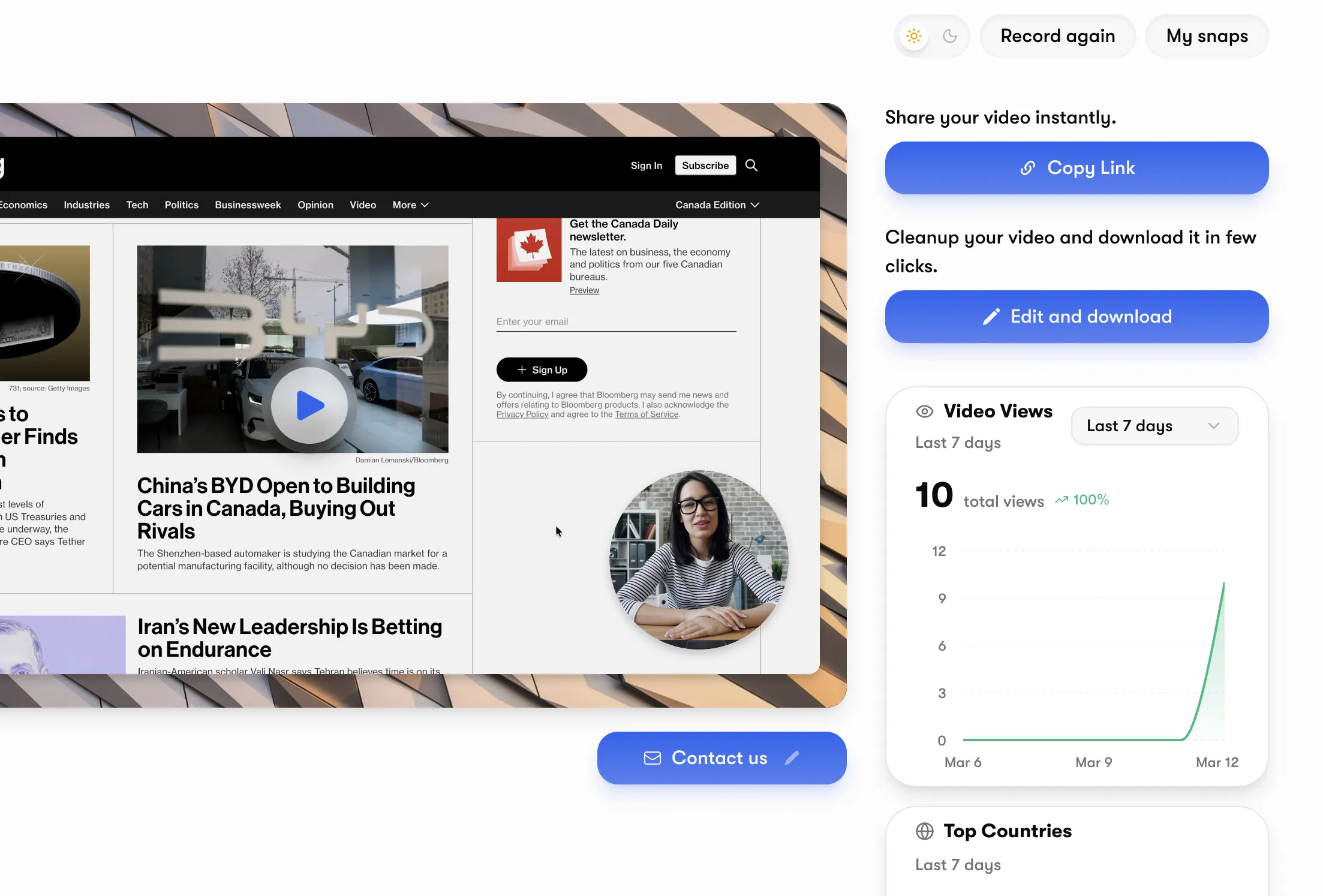
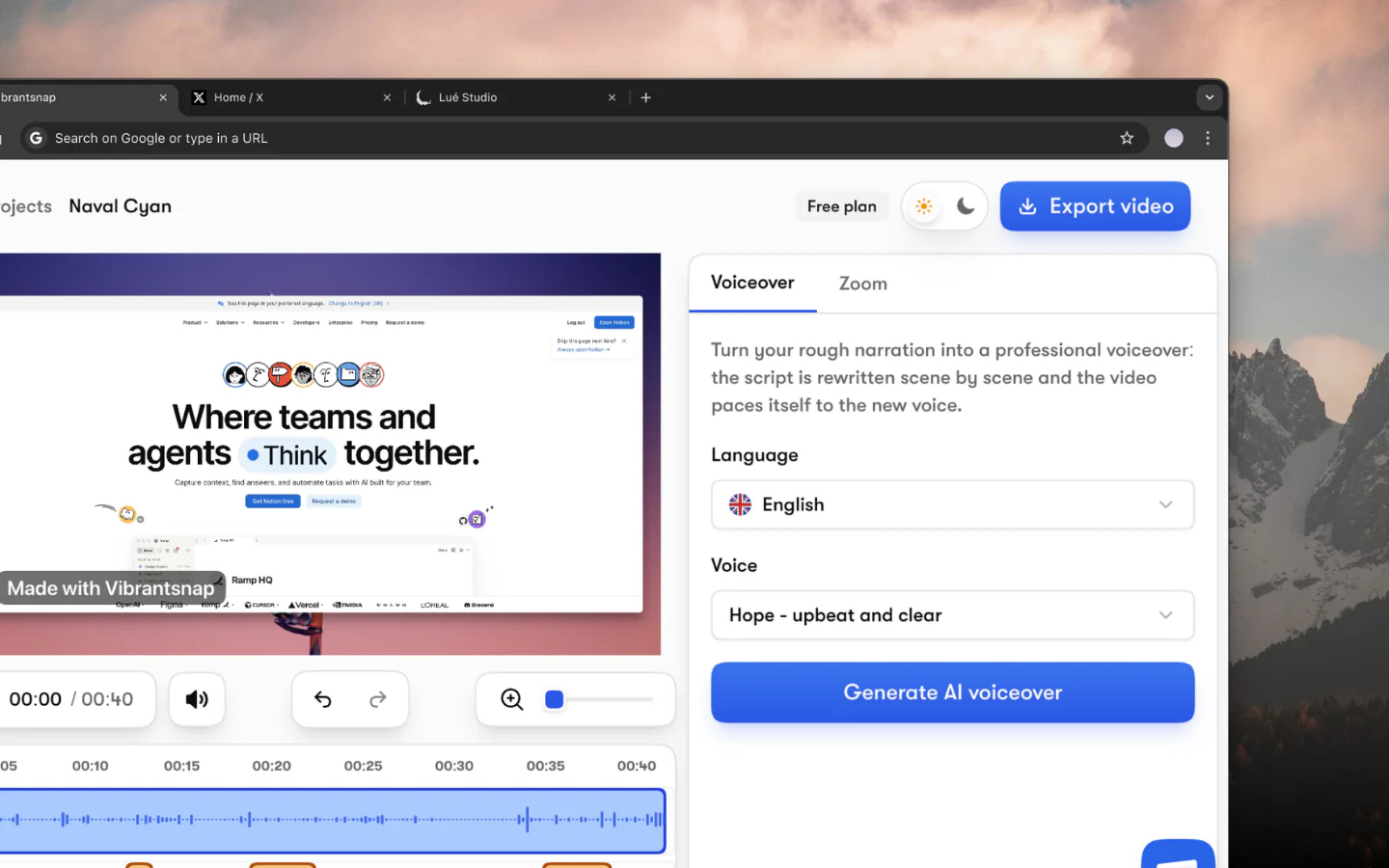
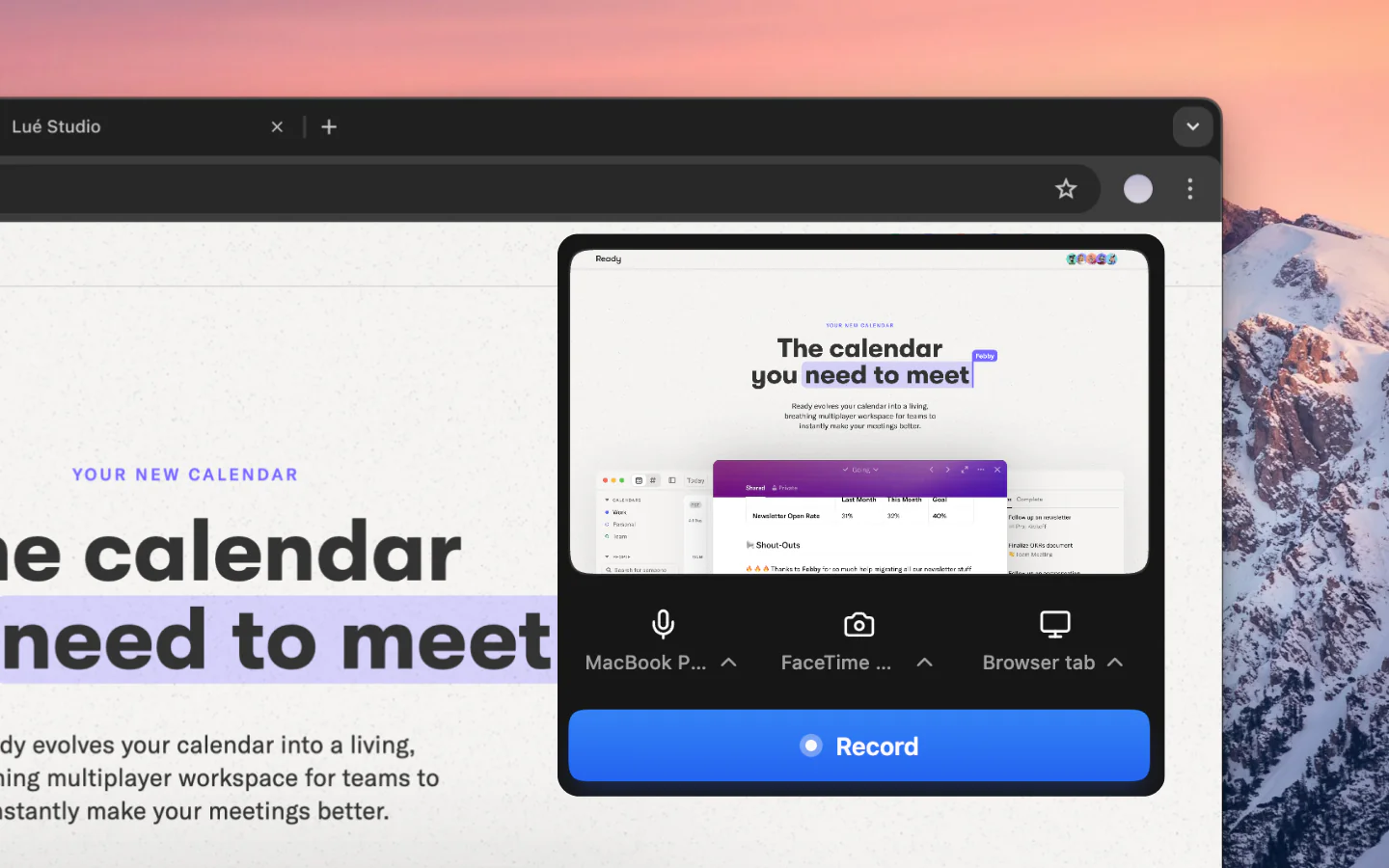
Great video SEO starts with great video content. Vibrantsnap helps you create professional product demos with automatic editing that keeps viewer attention high, essential for the watch time signals that drive rankings.
Record your screen, let Vibrantsnap auto-edit out the dead air, and export polished videos ready to rank.
Sources: Backlinko YouTube Ranking Factors Study, Google Search Central Video Best Practices, Semrush AI Overviews Study, YouTube Creator Academy